No More Waitlist – Starlink Residential Is Now Available Everywhere In The US
Starlink started offering service in late 2020, and since then,…

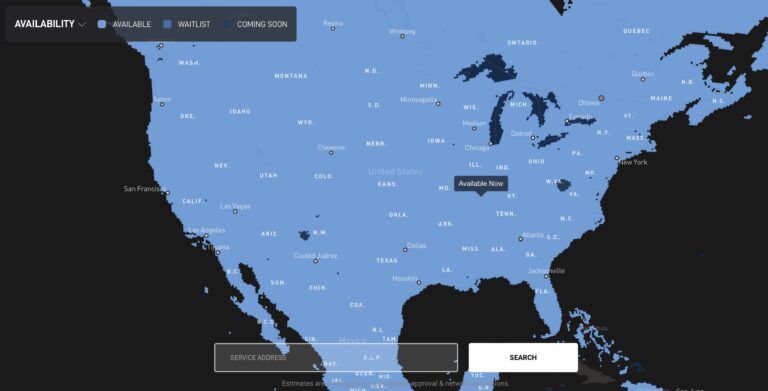
Starlink started offering service in late 2020, and since then,…

I test the Starlink Gen 3 router against other Starlink routers. In this review and install guide, learn the features that make it 4x faster!

In this review of the Starlink Pipe Adapter, I show you how to mount a Starlink dish using an existing pole or mast up to 2.5 inches in diameter.

Confused on the difference between the Starlink Standard and High Performance equipment? We compare both hardware options in this guide.
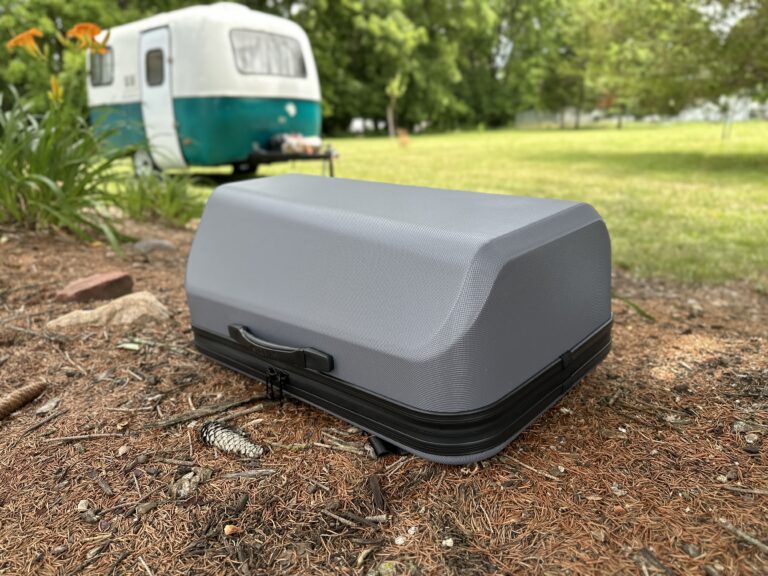
In this review, I test out the Starlink Travel Case. I detail the features, give you my impressions, and offer some 3rd party alternatives.
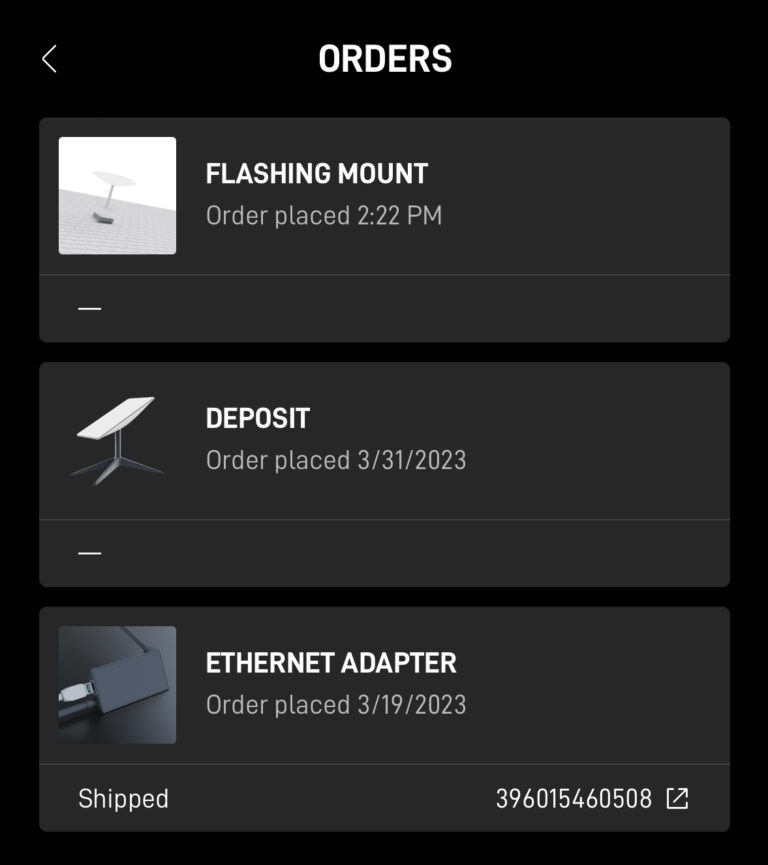
If you placed a Starlink order, you can check the status on your account portal. Access the portal from the web or from the Starlink app.
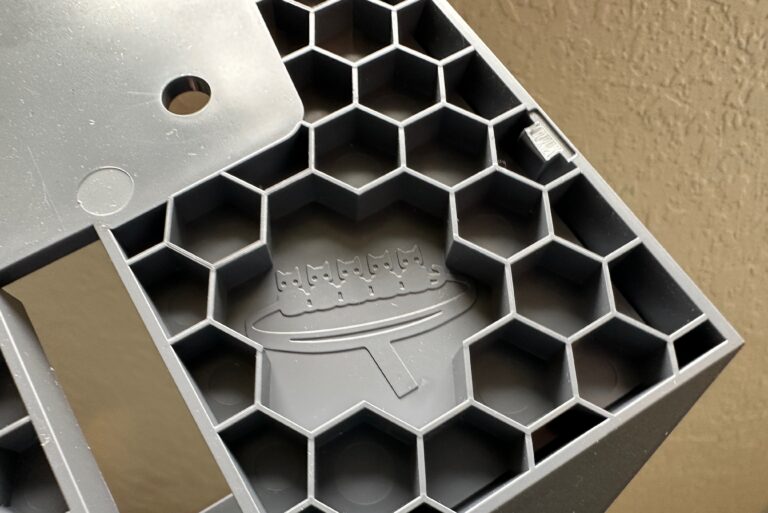
How much do you know about Starlink? Here are ten interesting facts and easter eggs with SpaceX’s Starlink satellite internet service.
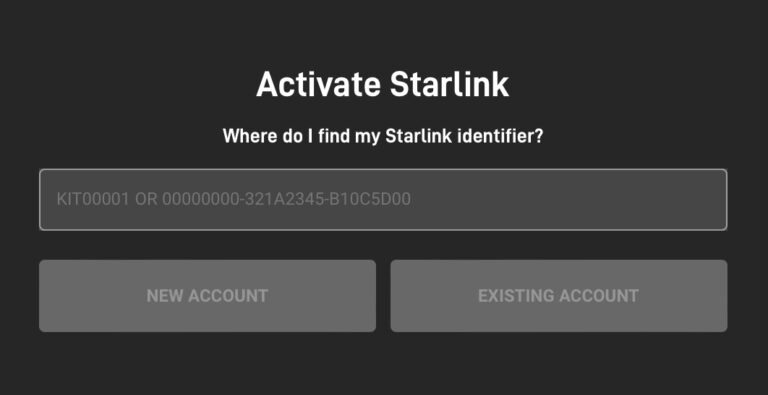
If you purchased Starlink from a 3rd party like Best Buy or Home Depot, follow these simple steps to activate the equipment and start service.
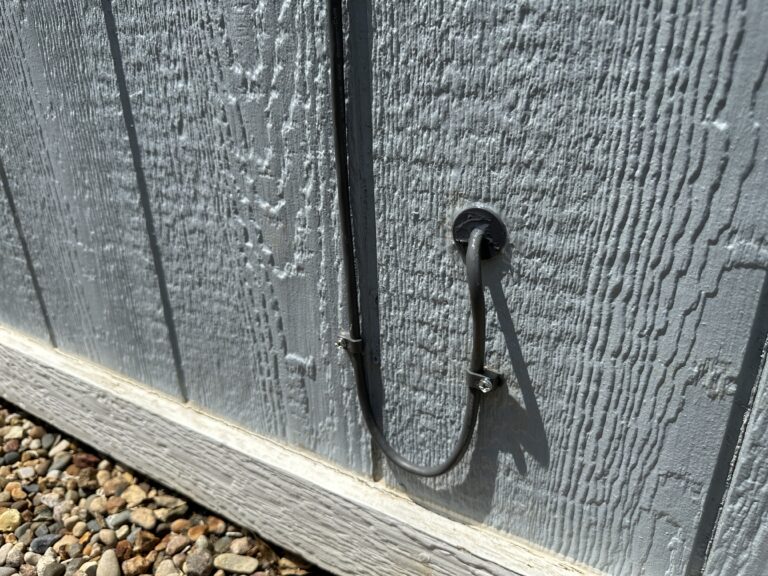
Routing the Starlink cable through an exterior wall is easier than you think with the Starlink Cable Routing Kit. Learn how easy it is to install.
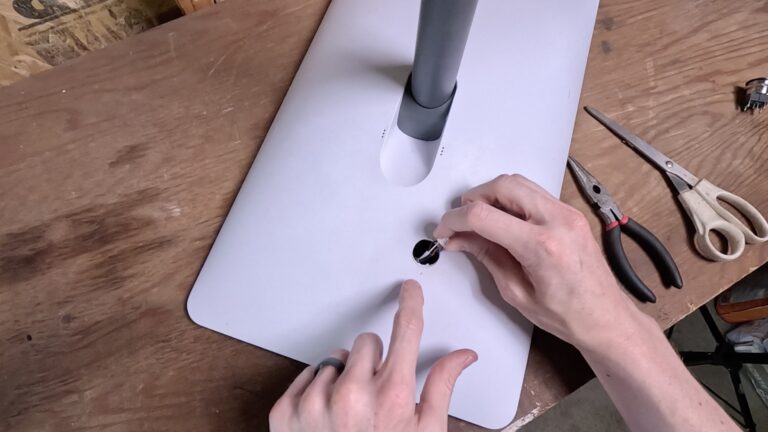
In this guide, learn how to disable the motors on your Starlink dish. With a small access hole, it’s possible to disable Starlink from moving.

There are a few good ways to reboot your Starlink internet. In this tutorial, I will show you the best ways, from easiest to hardest.
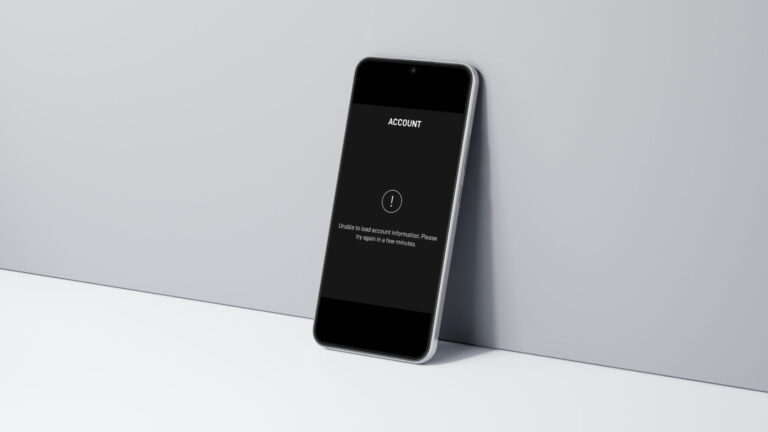
If you are getting the “Unable To Load Account Information” error in the Starlink app, try these troubleshooting steps to fix the issue.
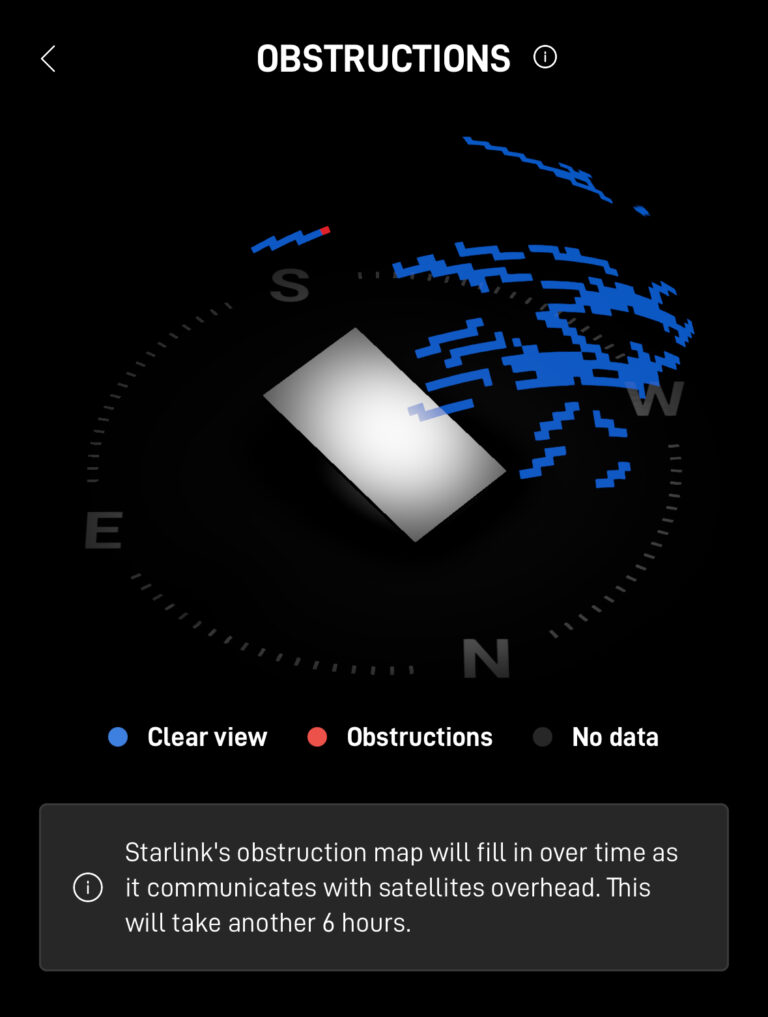
Starlink will still work, even with some obstructions reported in the app. But how much is too much? I explain how well Starlink works with obstructions.
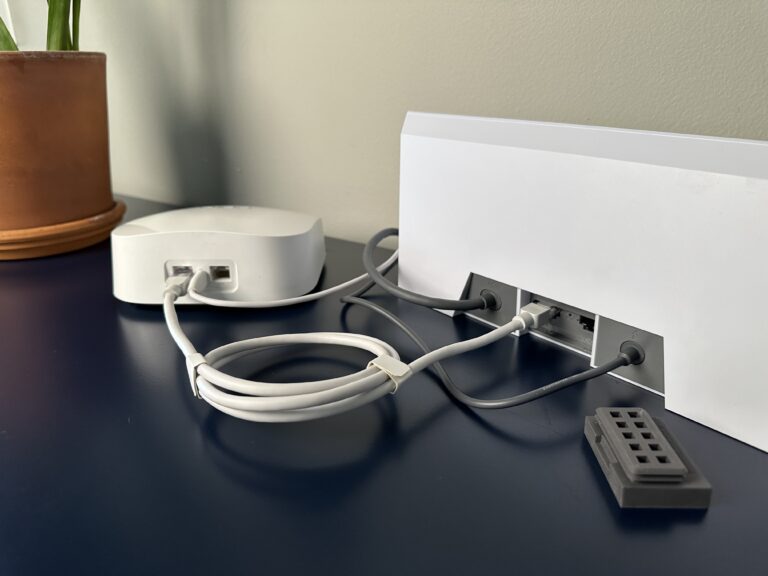
If you want to use your own router with Starlink, turn on bypass mode. It disables the Starlink router so a 3rd party router can take over.
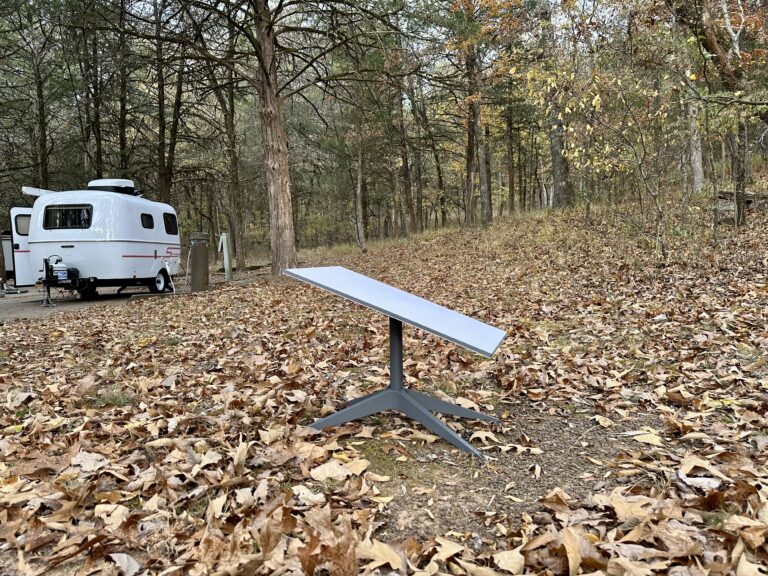
Digital nomads, RV’ers, and other travelers can stay connected on the go with Starlink Roam. I break down all the details and limitations.

You can stow your Starlink dish with or without the Starlink app, even if it’s broken. I’ll show you all three methods in this tutorial.

In this tutorial, I show you how to build a 12V DC power supply for Starlink. By using DC power, you can ditch the inefficient AC inverter.
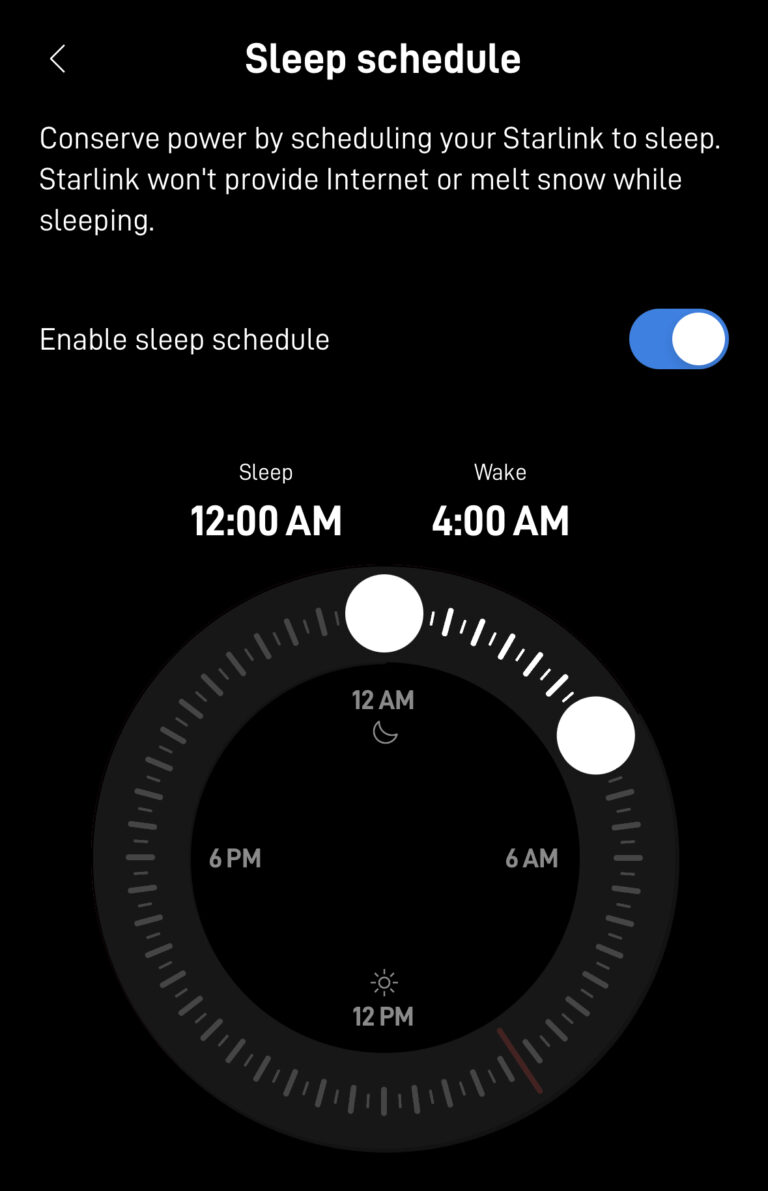
Starlink’s sleep mode allows you to conserve power and data when you won’t be using the internet. Learn all about Sleep Schedule and its uses.
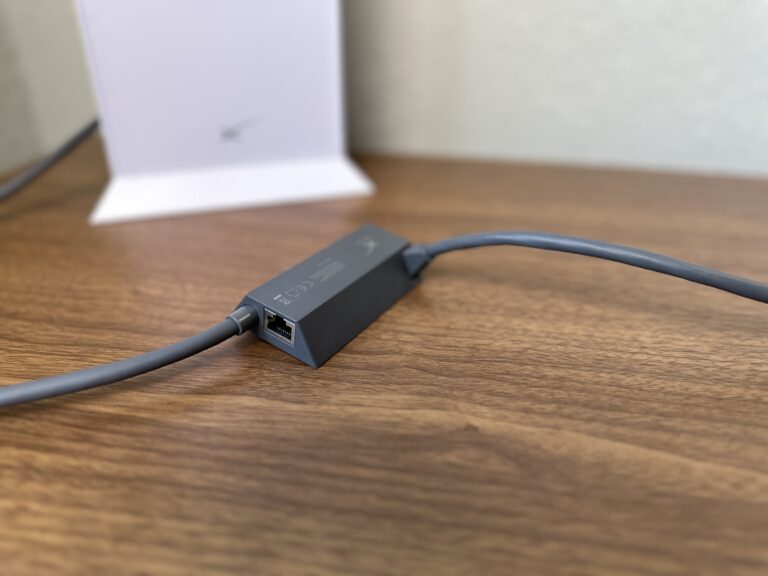
The Starlink Ethernet Adapter gives you access to an Ethernet LAN port. Learn how it works, how to install it, and my impressions in this review.
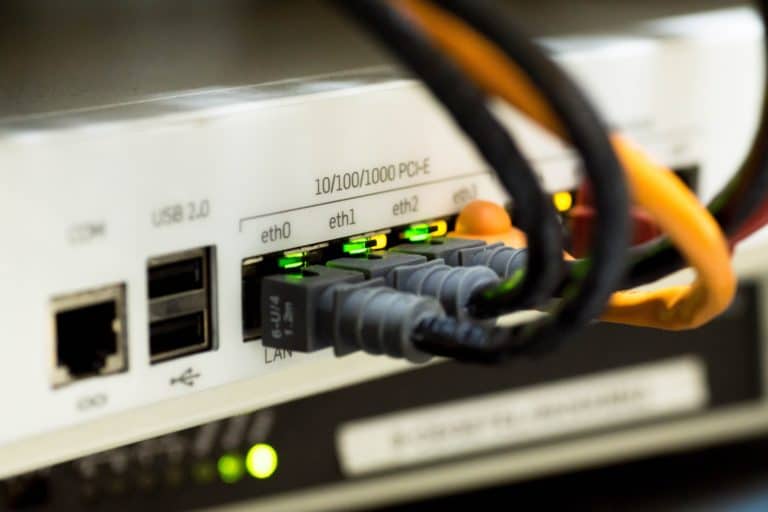
Starlink doesn’t support port forwarding out of the box, but there are several workarounds that I detail in this guide.
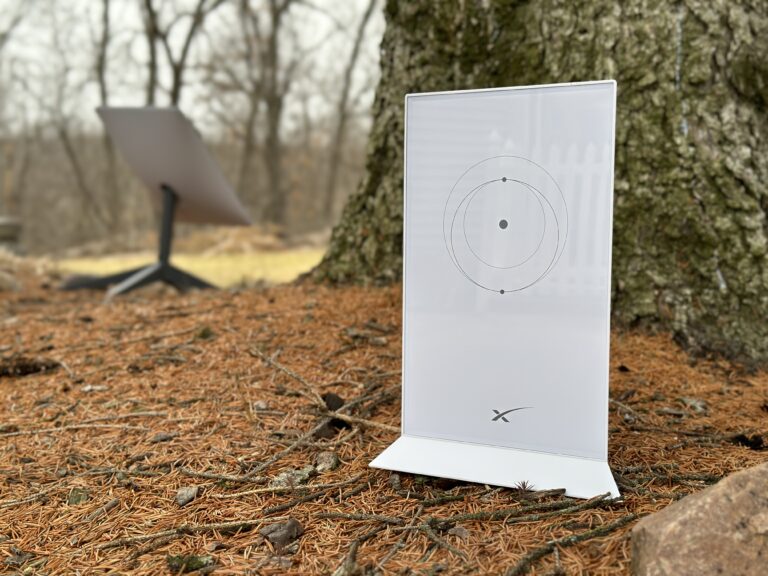
Although not ideal, you can mount your Starlink router outside if needed. I give some tips and recommendations for mounting a Starlink router outdoors.
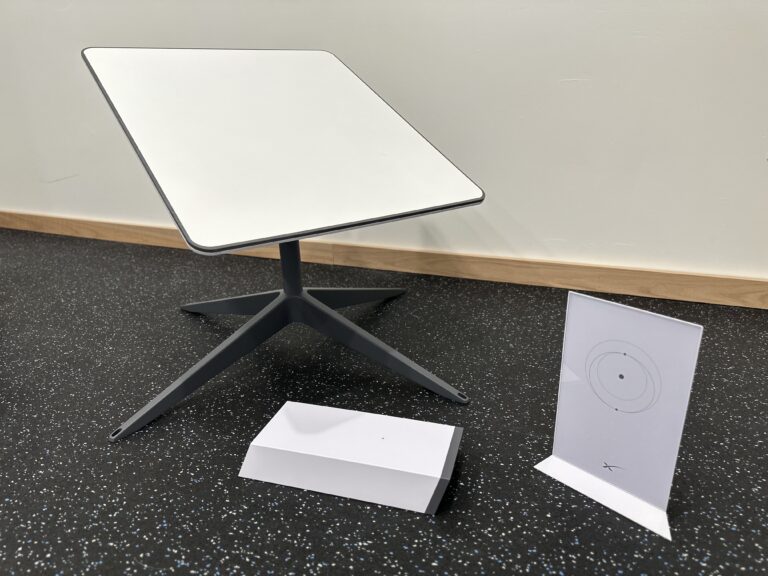
Before ordering Starlink satellite internet, you need to consider the pros and cons. I list several advantages and disadvantages of Starlink.
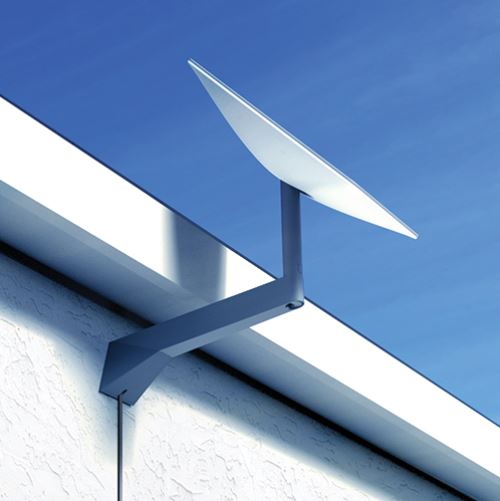
In this tutorial I show you how to install the Starlink Long Wall Mount to an exterior wall. Pictures and video help explain the steps.
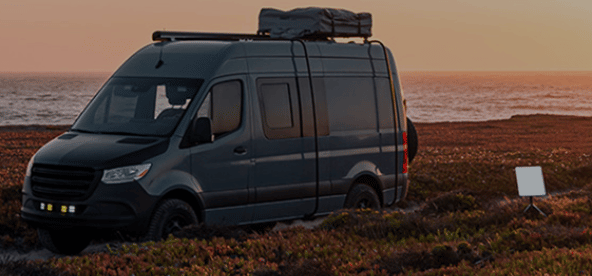
Having trouble picking between Starlink RV and Residential? I break down all the differences and help you pick in this comparison guide.

Learn about the different Starlink cable versions, including specs like length and connector type. Learn how to extend Starlink cables beyond 50 ft.

If you forgot your Wifi password, or need to troubleshoot issues, this guide explains how to factory reset any generation Starlink router.

Starlink allows customers to change their service plan type, from Roam to Residential, for example. I show you how in this guide.

Learn how to easily set up and configure your Starlink WiFi router using the Starlink app.

Starlink doesn’t offer static IP addresses. You can get a public IP on the Priority plan, but a better workaround might be using a VPN service.

The Standard Starlink hardware uses 50-75 watts on average. The antenna uses less power while idle, and more power while transmitting.
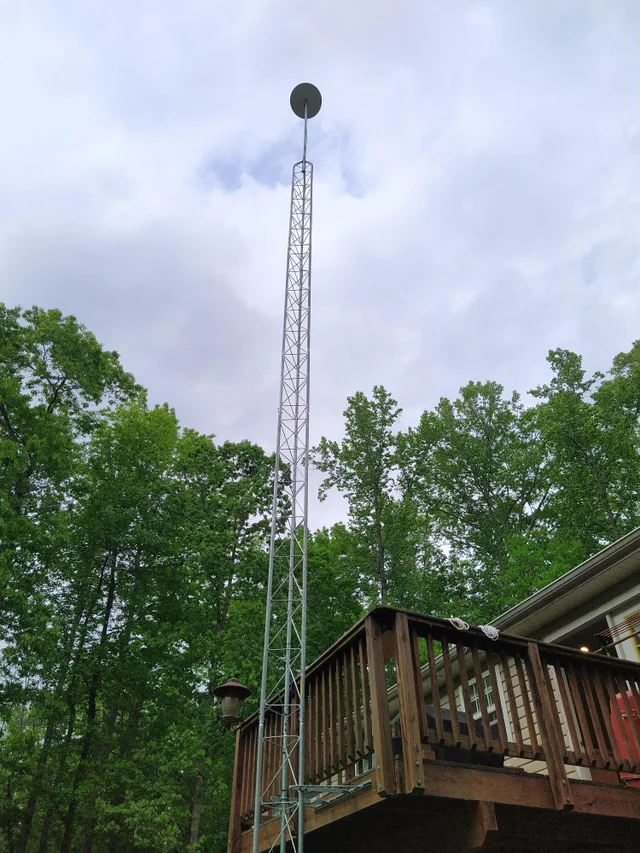
If you live in an area with tall trees, find out whether Starlink will be a good option.
In this guide, we detail all the different Starlink internet plans, and recommend the best plan based on your specific needs.
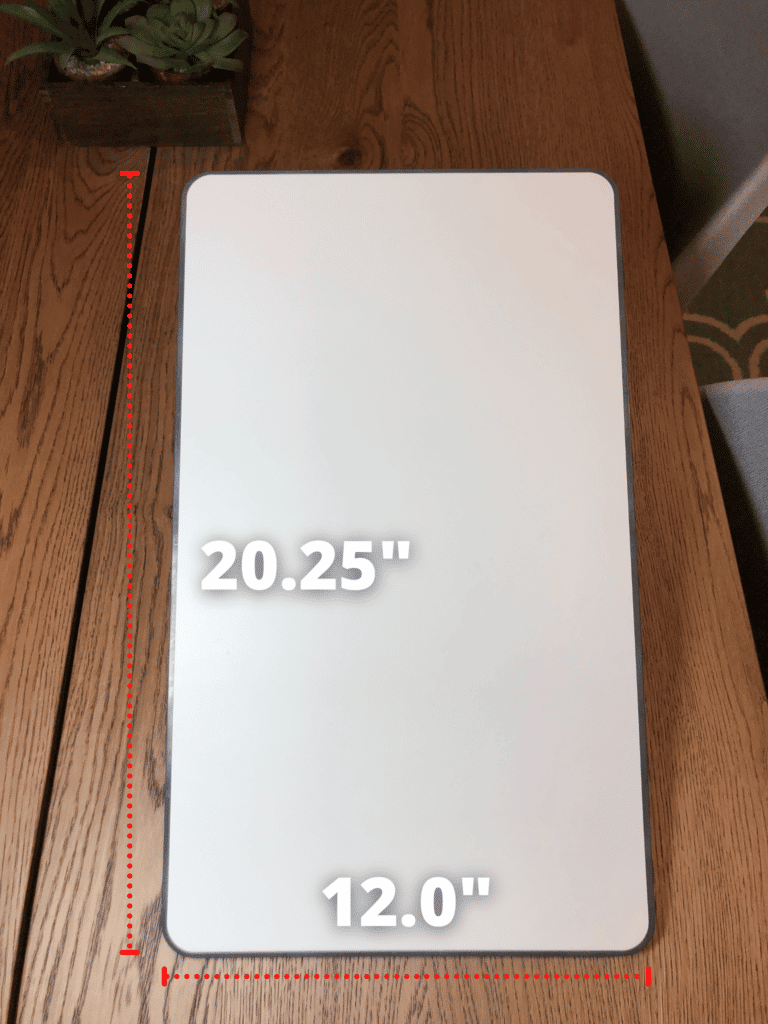
This guide provides all the detailed dimensions for the Standard Starlink dish, including the measurements for the mounting base and router.

Starlink satellite internet service provides high speed internet for rural areas. How does weather, such as rain and snow, affect Starlink?
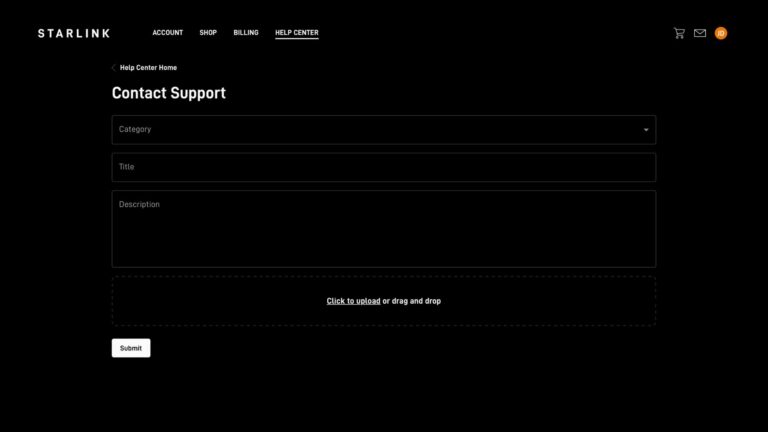
I explain how to contact Starlink support, whether by phone or through the online support ticket system.
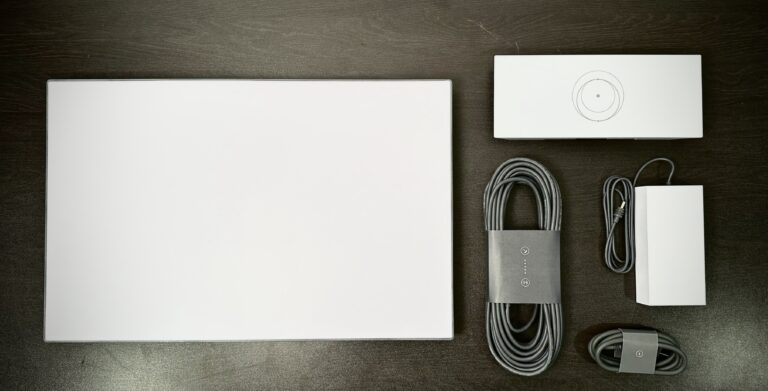
I walk you through the installation process for the Gen 3 Standard Starlink kit. From unboxing to mounting, learn how to set up Starlink.

In this guide, learn how to safely buy or sell a used Starlink dish. I cover the entire transfer process, and answer common concerns.
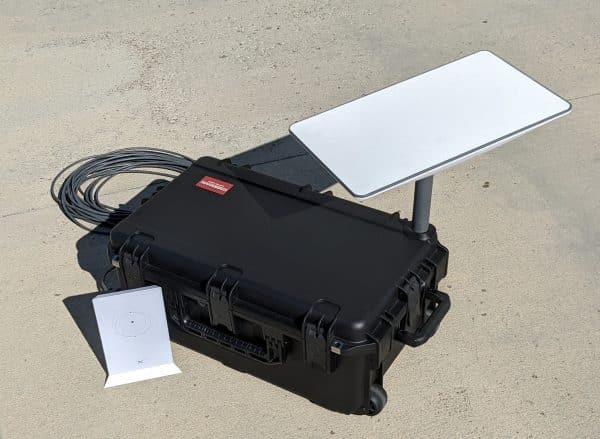
Learn how to buy official Starlink accessories, such as mounts, and how to find out if aftermarket options are available.

Learn how to use an aftermarket J-mount with your Starlink dish. I review and install 3 recommended J-mounts.
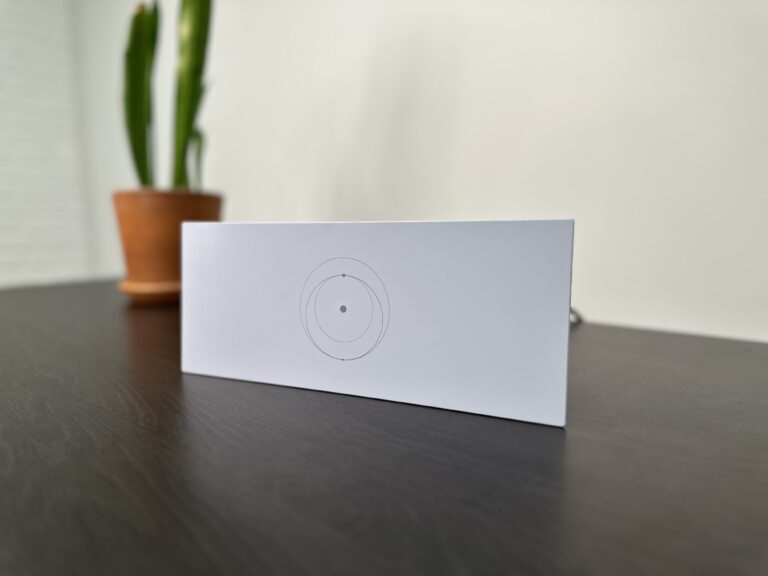
I show you how to add another Starlink router as a mesh node to expand Wifi coverage and performance throughout your home.