
Starlink Obstructions, How Much Is Too Much?
Starlink will still work, even with some obstructions reported in the app. But how much is too much? I explain how well Starlink works with obstructions.

- Author
- Published
- Community
- 23 comments
Starlink satellite internet requires a clear view of the sky to get the best performance and reliability. The phased array antenna in the Starlink dish actively tracks and communicates with satellites that are orbiting overhead. Unlike geosynchronous satellites, Starlink satellites move quickly across the sky. Anything blocking Starlink's wide field of view can cause interruptions and performance issues.
When it comes to obstructions, how much is too much? Can Starlink still be used with obstructions? In this article, I will seek to answer these questions, and help you understand obstructions a bit better. I will go over exactly what obstructions are, how to check for them, and how well Starlink will work with various levels of obstructions.
Starlink Obstructed - What does it mean?
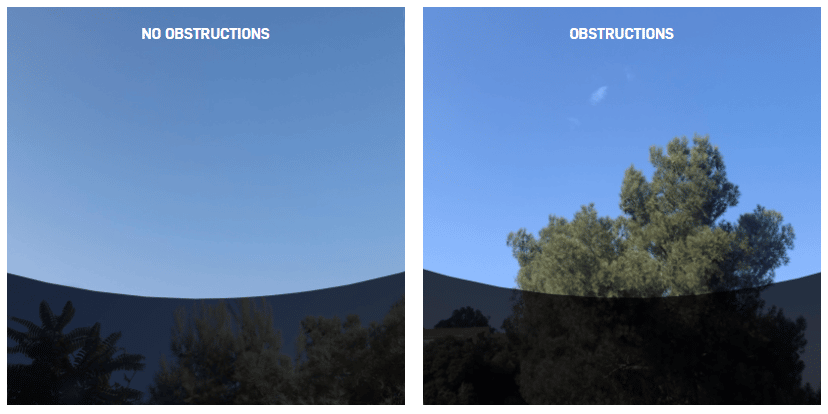
An obstruction is anything that blocks the view of the sky. Trees are the most common type of obstruction for Starlink customers. Since the Starlink dish has a wide field of view, tall trees adjacent to the dish can create problems. The dish is obstructed when communication from the satellite to the dish is interrupted, and there aren't any other satellites to switch to within the field of view.
If you've already set up your Starlink dish and the app is telling you that your Starlink is obstructed, it means that you have enough obstructions to cause issues with reliability and performance. If you see the "Starlink Obstructed" message, tap on Statistics to see more detail about how often your connection is being interrupted.
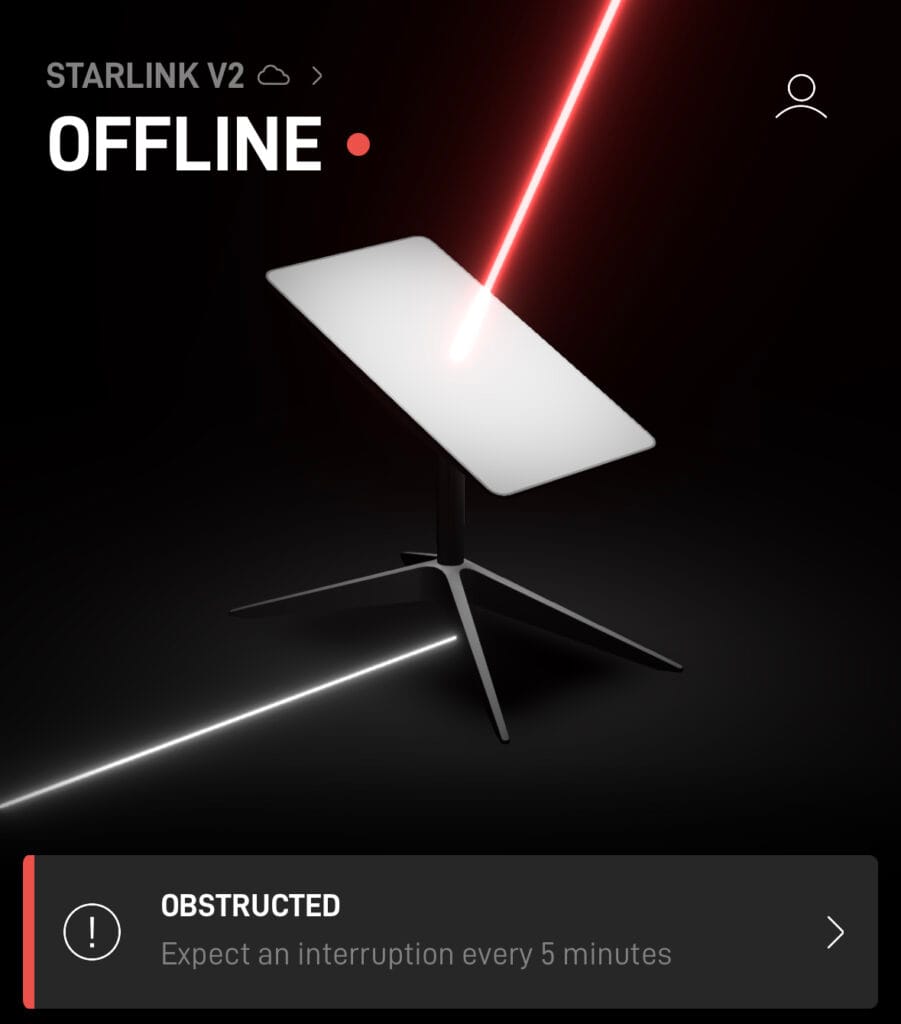
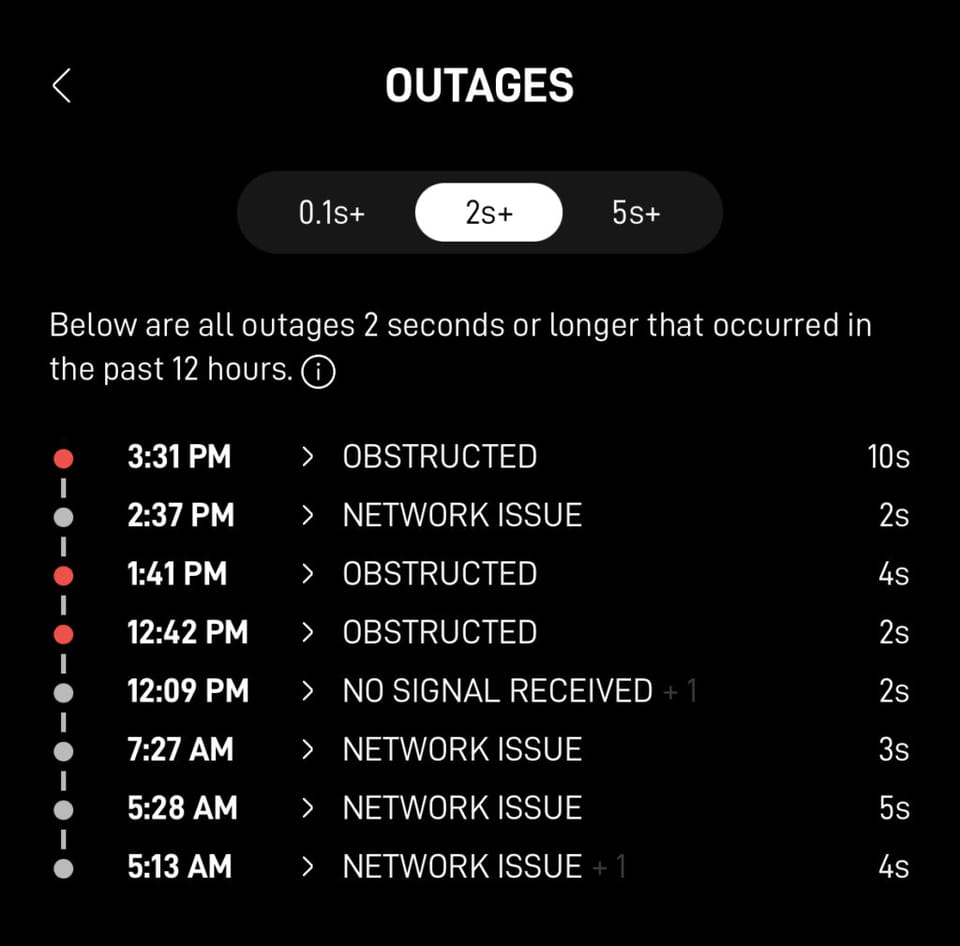
When Starlink has an obstruction outage, you will lose your connection. This means that your Zoom video call or TV show can be interrupted or buffer. Usually, the outage only lasts several seconds. But with a lot of the Starlink view obstructed, the interruptions can last minutes.
How to check for obstructions
Starlink makes it easy to check for potential obstructions, even if you aren't a customer yet. If you haven't selected a location for your dish, open the Starlink app on your phone, and use the obstruction tool. The obstruction tool uses your phone's camera to check for potential issues.
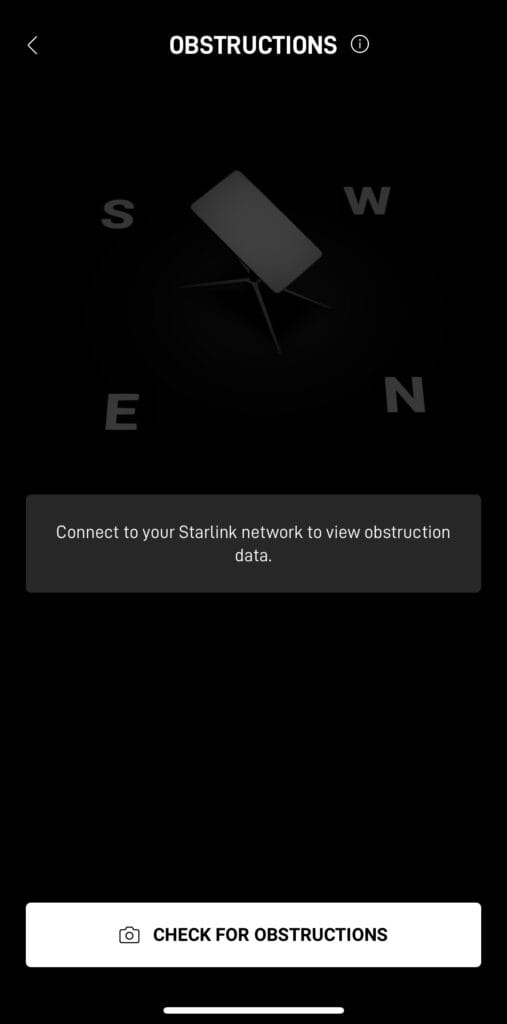
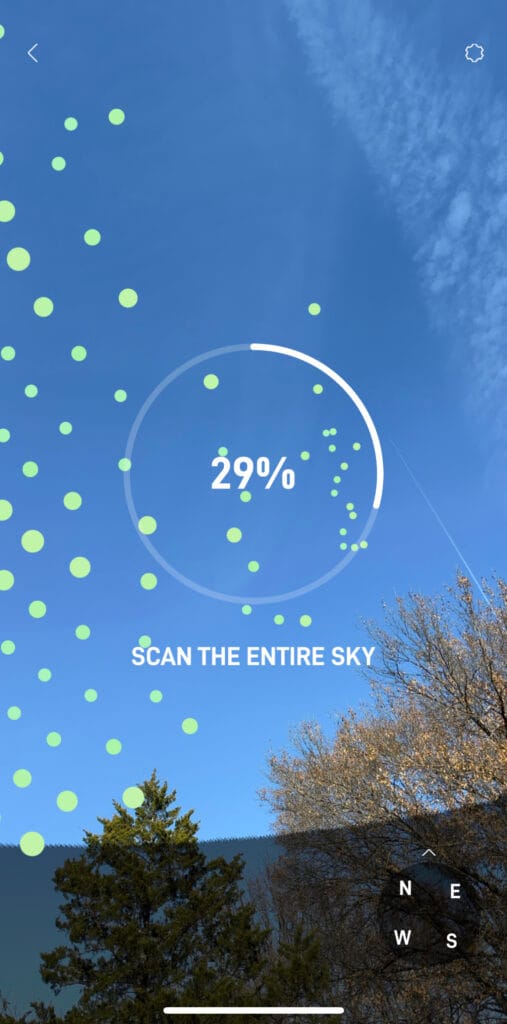
Follow the instructions on the screen. Move your phone camera around and scan the entire sky as directed. Once finished, the Starlink app will calculate the percentage of obstructions that can be expected if your dish is installed in that location.
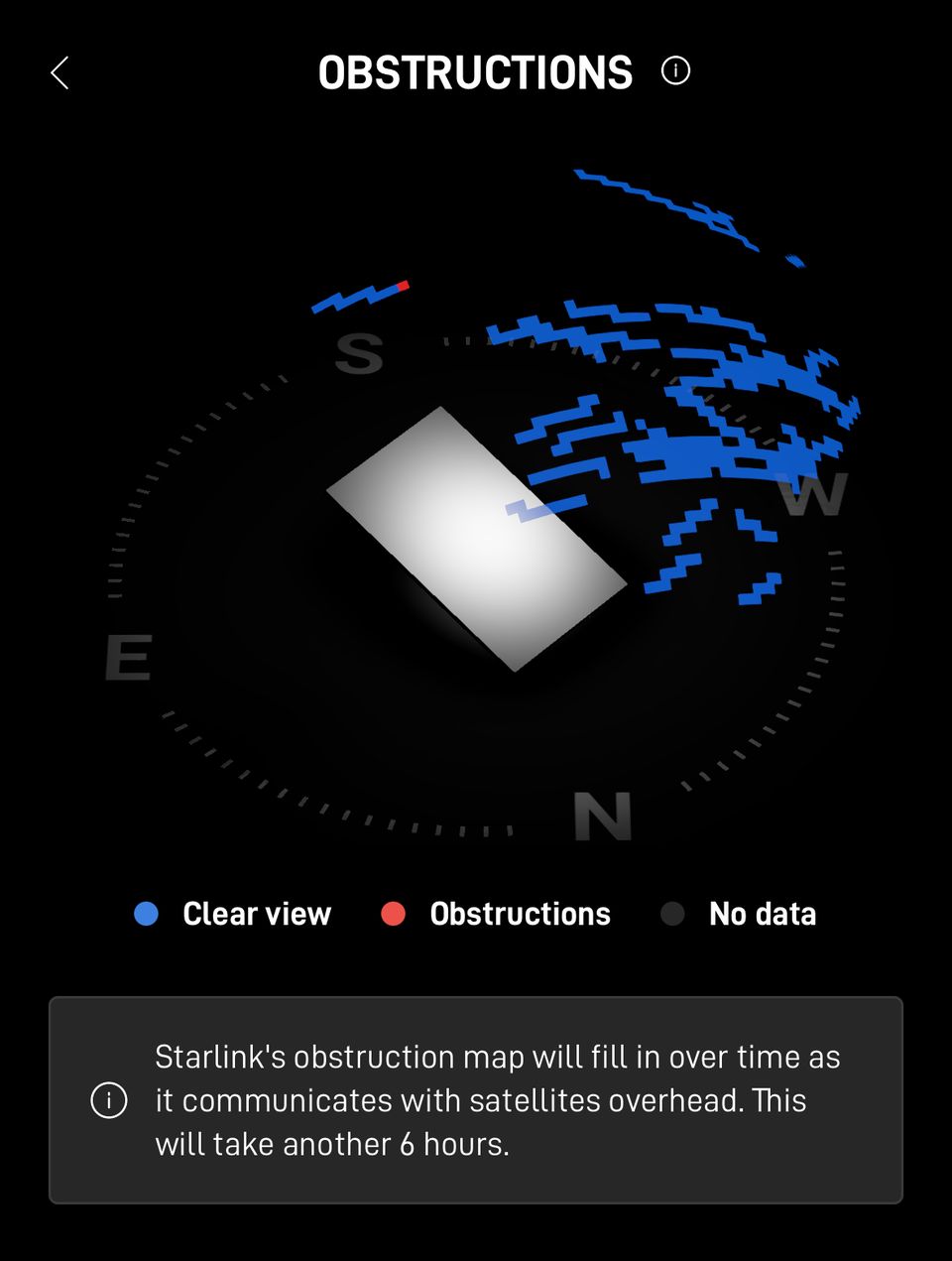
If you already have your Starlink installed, you can view data about obstructions from the app. In the first six hours after booting up, Starlink will collect obstruction data, and display it on an obstruction map. Open the app and tap "Obstructions" from the menu. You will see a graphical readout of where your obstructions are in relation to the dish.
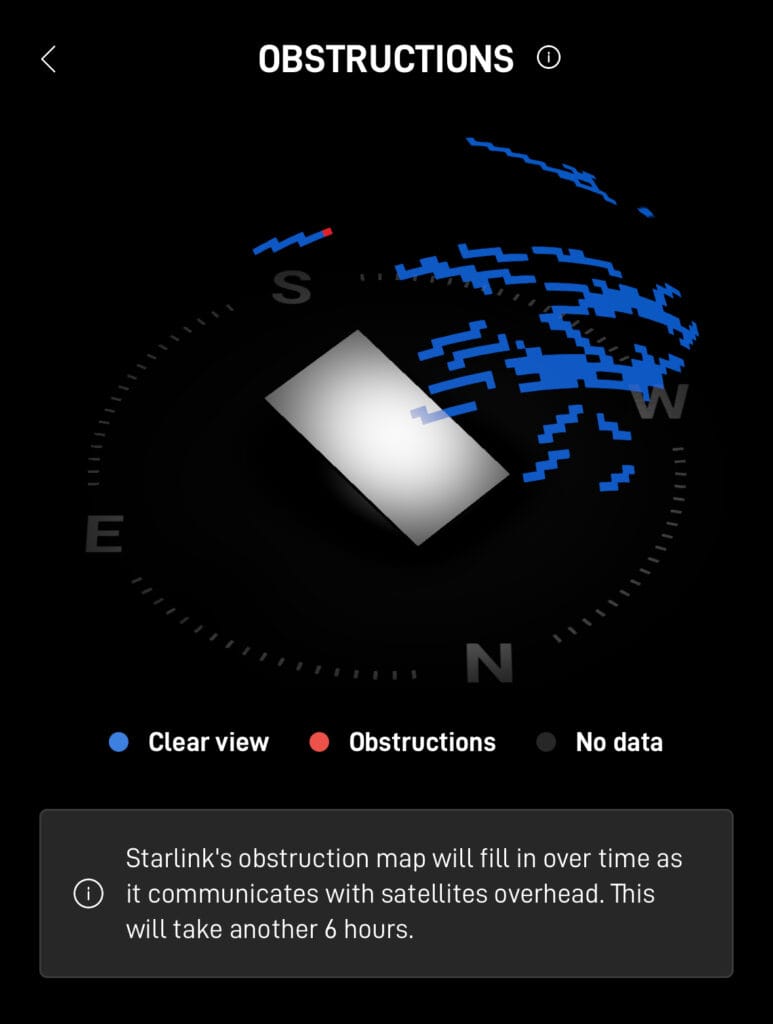
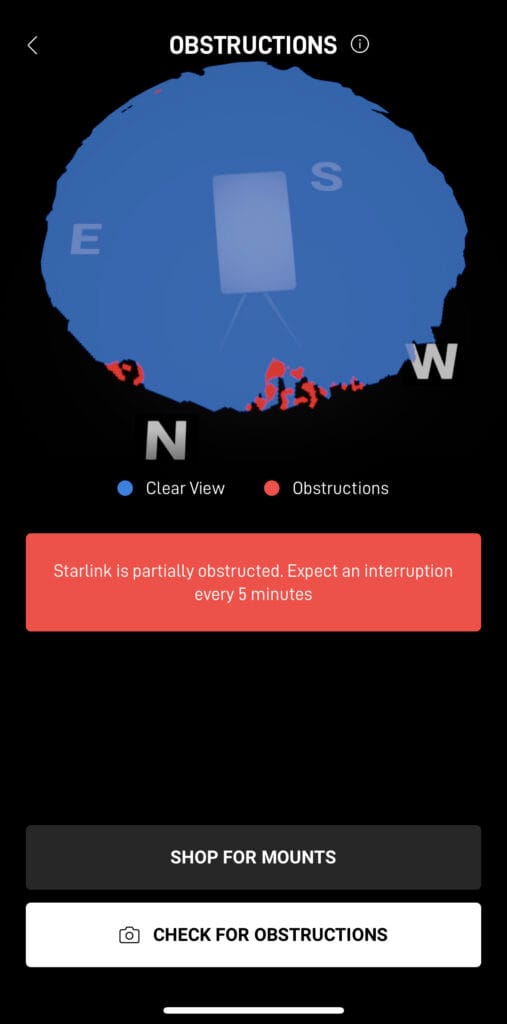
The obstruction map updates in real time. You might notice streaks of blue when you first power on the dish. The blue shaded areas represent parts of the sky where satellites have passed over and connected to your dish. Blank areas represent parts of the sky where your dish has not seen satellites. Red areas are obstructions, where the signal from the satellites have been blocked by objects in the field of view of the dish.
The app will also estimate how many interruptions you will experience with the current level of obstructions. Used in combination, the obstruction checker and the app statistics can be used to get a good idea of where your problem is, and how much of a problem it will be.
Will Starlink work with obstructions?
Starlink will still work, even with obstructions. How much is too much depends on your internet activities, and your options for fixing the obstructions. For example, if you do a lot of video calls for work, obstructions can cause serious problems. For things like video calls and gaming, any interruption caused by obstructions will be noticeable and annoying.
For activities like streaming movies and TV shows, obstructions are less of an issue. When you stream a show, a data buffer is created to smooth out the experience. So even if you have several obstruction outages events, you likely won't even notice.
Starlink obstruction percentage
When you use the obstruction checker tool in the app, it gives you an obstruction percentage. If you are wondering how well your Starlink will work with a certain percentage, follow this table:
Obstruction Percentage | Severity of Issues |
|---|---|
0% | As good as it gets. You won't have any outages due to obstructions. |
1-5% | At this level of obstructions, you will have some short outages periodically. Most internet activities will work fine, but you might have issues gaming or doing video calls. |
6-10% | Above 5% is where the real issues start. At this level, you will notice more frequent outages that last longer. With obstruction outages lasting several seconds, you might notice TV shows start to buffer. Online gaming and video calls will be problematic. |
11% + | If your obstruction percentage is above 10%, expect to have some pretty serious issues. You'll have internet, but it will be spotty. You'll likely have interruptions while streaming TV shows. You might even notice web pages are slow to load. You will be having to reload apps, websites, etc. Anything needing a reliable connection, like video calling, will be virtually impossible for more than a few minutes. |
How to fix Starlink obstructions
To fix obstructions, you need to move the Starlink dish higher and/or further away from the obstructions. For example, if you have the dish mounted low on the roof, you might need to relocate it near the peak. If there is a large tree on the north side of your home, it might be best to install Starlink on the south side of the roof. Trying to get a clear view of the sky is the only way to fix obstruction problems.
Be sure to check out our Starlink mounting guide for ideas on how to install your dish away from obstructions.
Final thoughts
Obstructions like trees and buildings block the communication path between the Starlink satellites and your dish. If you want the best performance out of Starlink satellite internet, you need to install the dish with an open view of the sky.
However, if you have minor obstructions that read between 1-5%, Starlink should still work fine for most internet activities. You'll be able to browse the internet, check email, and stream movies and shows with almost no issues. When your obstruction percentage gets around 10% or above, that's where it becomes major problem.

Discussion
23 Comments