
Installing a Starlink Router Outside
Although not ideal, you can mount your Starlink router outside if needed. I give some tips and recommendations for mounting a Starlink router outdoors.

- Author
- Published
- Community
- 21 comments
The Starlink Wifi router is meant to be placed inside, but that isn't practical for everyone. Maybe the Starlink cable isn't long enough to reach inside your home, or perhaps you just want to avoid drilling holes. So what about installing the router outside?
I get this question a lot, so I figured I would write up a short guide on how to get it done. The short answer is, yes, it can be placed outdoors. Let me walk you through an example setup with a few tips and recommendations I've picked up over the years.
Is the Starlink Router Outdoor Rated?
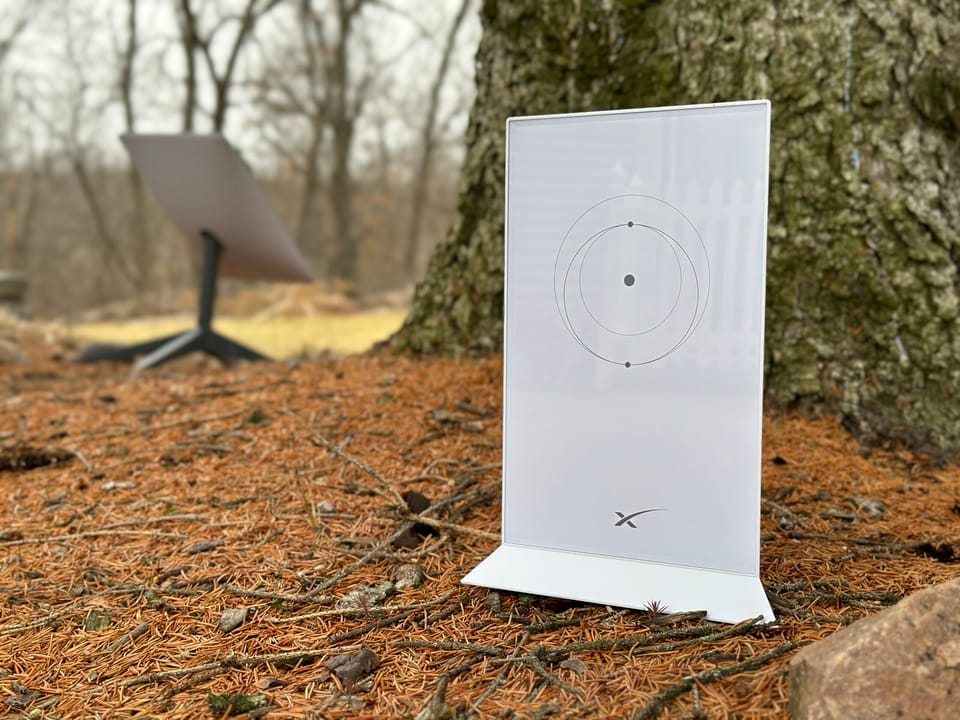
The latest Starlink Gen 3 router has an IP56 environmental rating. That means it is dust resistant and waterproof. Although Starlink designed it for indoor use, that rating means it is able to withstand weather from all four seasons. The key to that weatherproof rating is the seals around each connector going into the router.
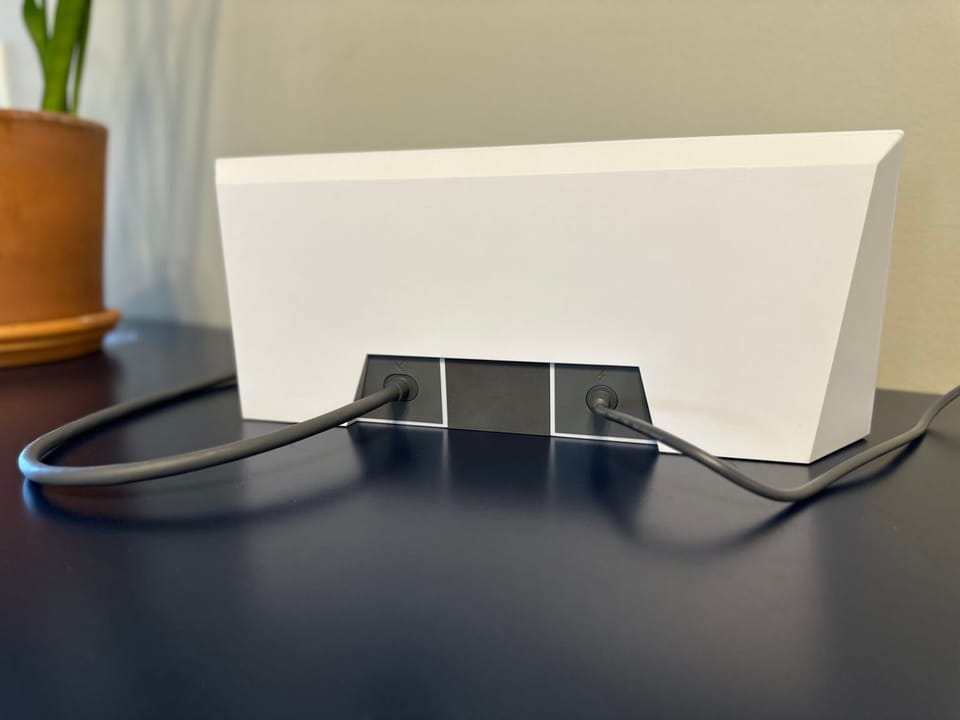
The Starlink router can operate in temperatures from -22°F to 122°F (-30°C to 50°C). With dust, water, and extreme temperature ratings, the Starlink router is well suited for outdoor applications.
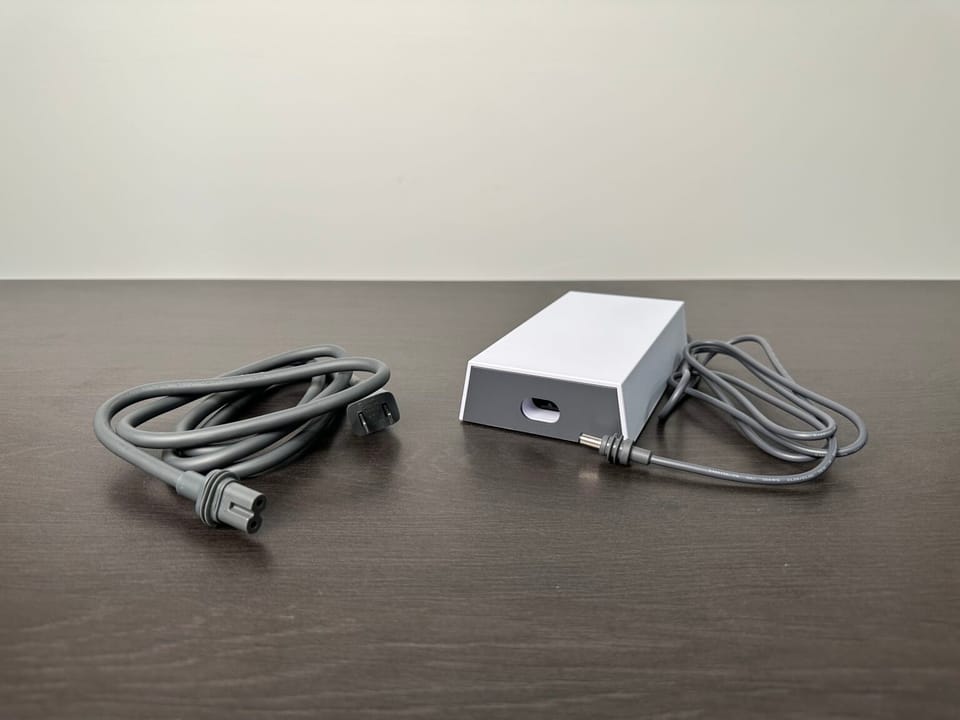
What about the power supply brick that comes in the Gen 3 kit? It's also rated for outdoor conditions. It has a higher IP66 rating for complete protection from dust and water. It has a slightly wider operating temperature range of -22°F to 140°F (30°C to 60°C).
Installing the Router Outside
There are several factors to consider when deciding on how to mount the router outside.
Wifi - In my opinion, the main concern is the Wifi signal. Wifi routers are designed to be installed inside where most of your devices are used. If you put the router outside, Wifi performance inside the house might be reduced, especially at the opposite end of the home. I recommend setting up a Starlink mesh network if you need more coverage.
Power - You'll need a power outlet nearby, so plan the mounting location of your Starlink router with that in mind. The Gen 3 power supply plugs into a standard wall outlet, and then hooks up to the router via a short cable to provide power to the system.
Weather - Although the Starlink router is weatherproof, you might want to consider protecting it from the elements as much as you can. Do you have a covered porch you could install it under? If the router will be completely exposed, you could purchase an outdoor enclosure to keep all the Starlink equipment in.
Weatherproof Enclosures for Starlink
If I had to install my Starlink router outdoors, I would mount everything in a weatherproof box. Not only would it provide an extra later of protection from the elements, it keeps everything safe and organized.
This post contains affiliate links. I may earn a commission from purchases made through these links, which helps support DISHYtech.
If you put the router in something like the weatherproof electrical box above, it will be protected from the elements, and secure inside a lockable enclosure. It would be large enough to accommodate the power supply and router.
Not interested in an enclosure? You could just get a Starlink power supply and router mount like this one. It would be a nice way to get the router and power supply off the ground and out of the way.
Summary
The Starlink router is dust resistant and waterproof thanks to the rubber seals on all the connectors. If you need to mount it outside in the elements, consider things like Wifi performance and power availability. I also recommend using some kind of weatherproof electronics enclosure to add another layer of protection.
If you have any additional questions or ideas, leave them in the comments below!


Discussion
21 Comments