

- Author
- Published
- Community
- 52 comments
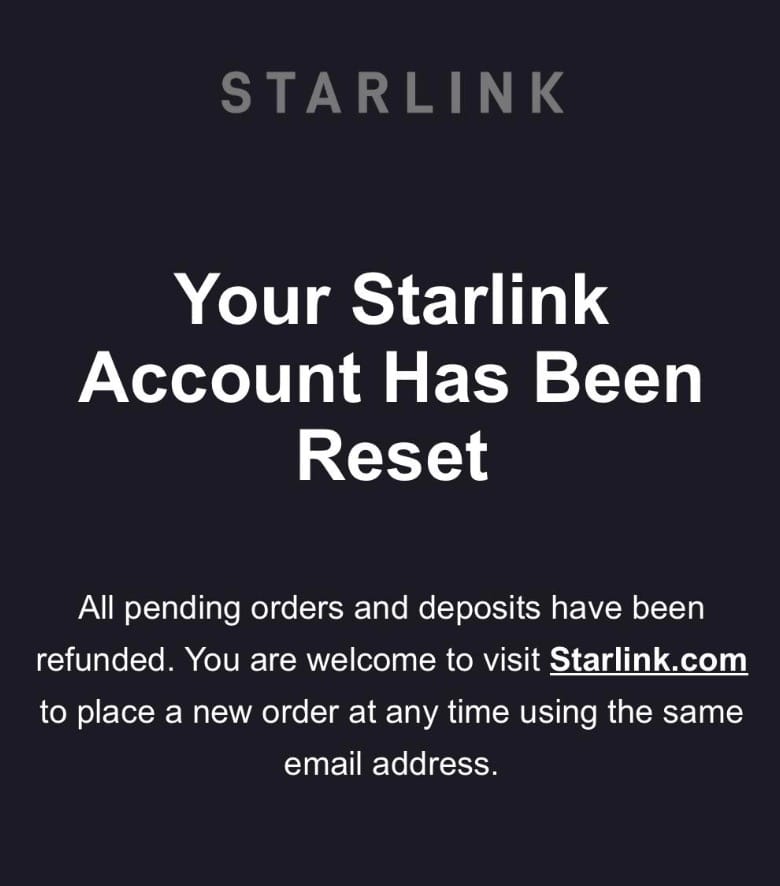
If you received an email from Starlink, letting you know your account has been reset or disabled, you aren't alone. Starlink customers are taking to social media to report the apparent bug, with the hope that someone from Starlink will see their plead and help out. Here is one example from the Starlink subreddit on Reddit:
Reddit post by CovertServer
What's happening with the account resets?
The accounts appear to be getting flagged for fraudulent activity, and automatically reset/disabled. Since the accounts are disabled, customers have no way of reaching out to Starlink through the customer support ticket system. Use of the online only ticket system requires a valid Starlink account login, meaning only active customers can get ahold of Starlink.
One of the big complaints about Starlink is the lack of customer support. Since the service started offering satellite internet in late 2020, their support model has remained largely unchanged, with customers having to use the website or app to log tickets. No email or phone number for Starlink is available. This kind of support model has proven to be sluggish and inefficient for time-sensitive events, like outages, or having your account disabled.
What's the cause?
One theory floating around is that Starlink has implemented some type of automatic fraud detection system. We previously reported that hackers are taking over Starlink accounts, and ordering thousands in equipment. Perhaps this new fraud system is in response to the recent hacking issues? It seems like a plausible theory. Why else would all these Starlink accounts suddenly get disabled or reset around the same time?
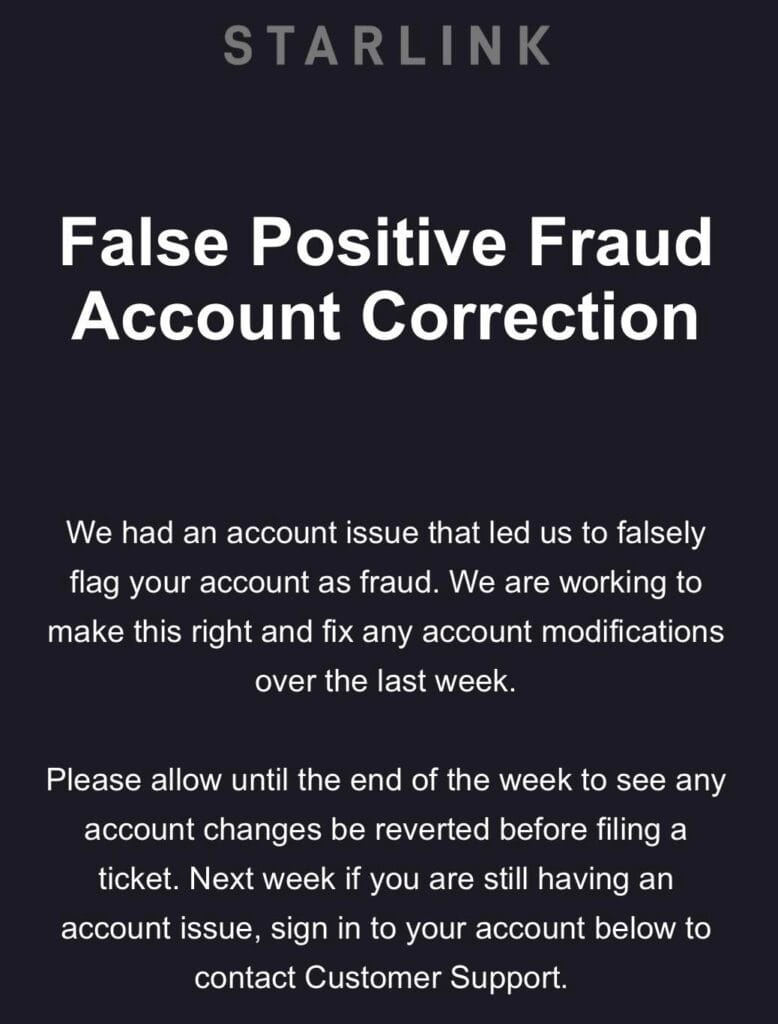
Update: Four days after I published this article, Starlink sent out an email to customers affected by the account reset issue. Starlink says the accounts were reset due to a false positive within their automated fraud detection system. They didn't provide any other details on the cause.
What to do if your account was reset
So what do you do if you are a victim of this apparent glitch, and your Starlink account has been reset or disabled? Here are the steps I recommend to try to recover your account:
- Visit the Starlink account recovery page
- Select By Phone, enter the phone # associated with your Starlink account
- Follow the steps to reset your account email and password
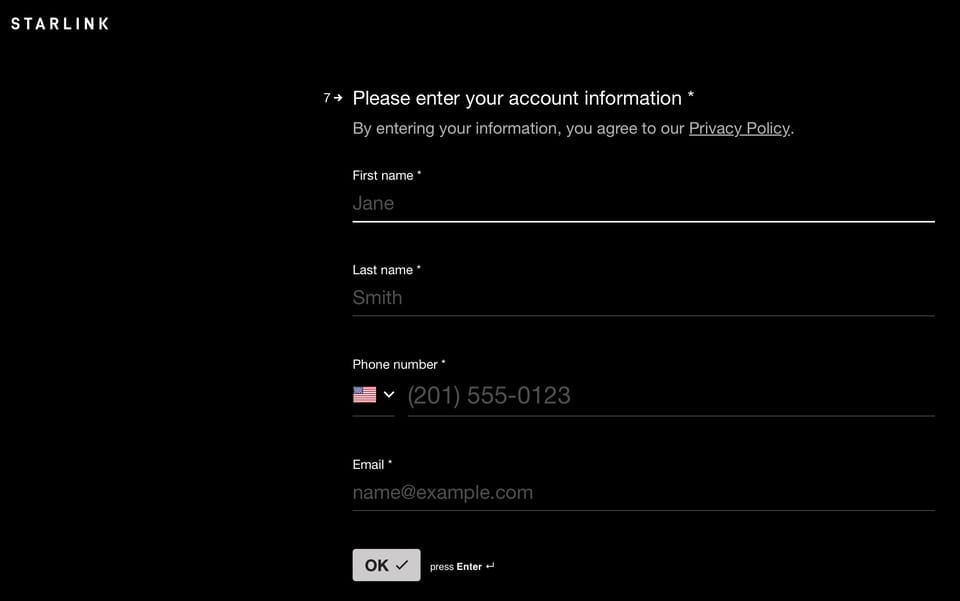
If you get an error message on the account recovery page, or it didn't work for some other reason, the other option is to visit this page. Fill out the form, which asks for several things, such as your Starlink dish serial number, router serial number, etc. The last page of the form asks for your contact information, including email and phone number. Someone from Starlink should reach out to help you with the account recovery process after you submit the form.

Discussion
52 Comments