
Starlink Dish Web Portal Is No Longer Working
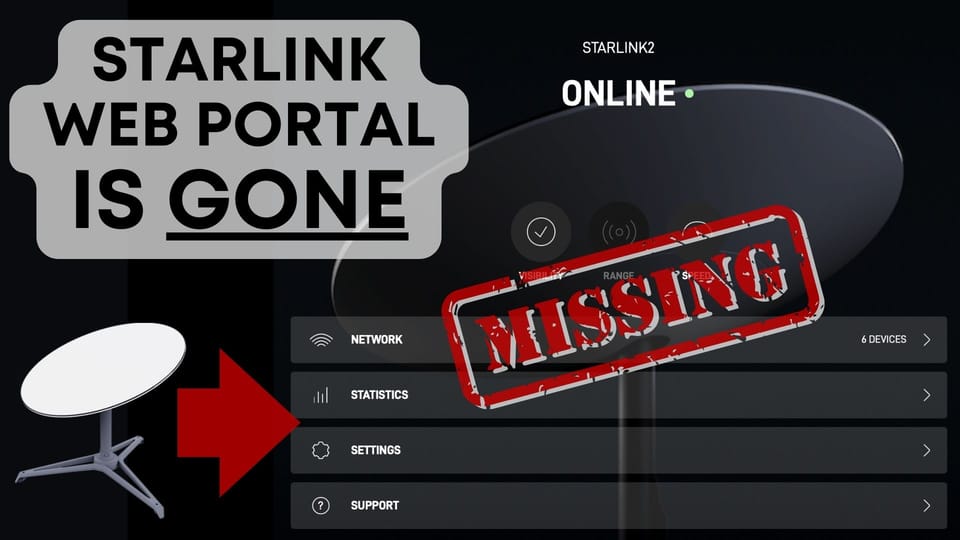
Starlink has turned off dishy.starlink.com, which used to host a Starlink management portal for users without smartphone access.

- Author
- Published
- Community
- 25 comments
If you're one of the few people managing your Starlink system with the dish web portal, I have some bad news... Starlink has apparently turned off access to the built-in management portal hosted by all Starlink dishes. Despite the unfortunate date I am publishing this article, this is no April Fool's day prank.
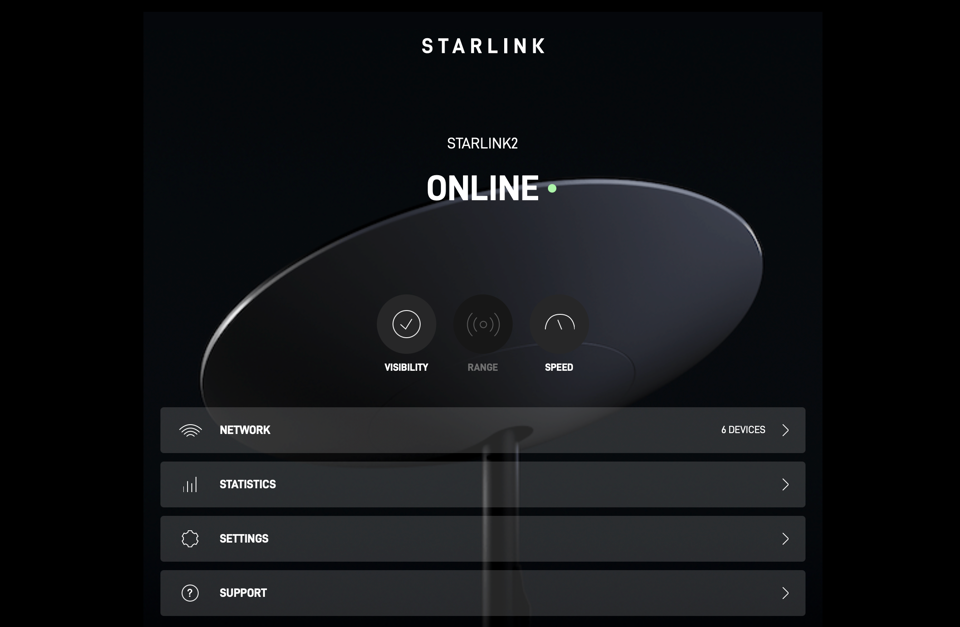
Most Starlink customers use the iOS or Android app to install and manage their system. But since the beginning of Starlink, the dish had its own web management portal, accessible from any web browser connected to the Starlink network. The web portal could be accessed by browsing to dishy.starlink.com, or by typing in the IP address of the Starlink dish: 192.168.100.1. If you didn't have a smartphone to load the app to, you could just use this web portal to set everything up and monitor your connection.
More than three years after Starlink first launched in the US with the round dish, it appears the web portal is a thing of the past. Late last week, I started seeing social media reports about the web portal not working. It's pretty clear, based on the number of reports, that Starlink has decided to get rid of the web portal.
I'm not surprised by this move at all. First of all, the web portal hasn't been updated in years. I didn't personally use it to manage my system, but I did check on it from time to time. Most recently I checked the portal on my Gen 3 dish. To my surprise, the web portal loaded up a graphic of the Gen 1 round dish. There was no alignment tool. Several recent app features were missing (sleep mode, for example). Second, the current Gen 3 dish requires manual aiming. The Starlink app tells you exactly where to point the dish using your phone's compass and other hardware. That simply isn't practical in the web portal. With Gen 3 becoming the mainstream dish model, it was only a matter of time before access to dishy.starlink.com was turned off.
So what about those of you without smartphones or tablets, and no other way of using the Starlink app? Well, my advice would be to find a friend or family member with a device you can borrow. Generally, after you set up the dish for the first time, you won't really need to use the app unless you have some kind of issue with the service or hardware. Starlink was designed to be installed and managed through the mobile app, so if you've been holding out, maybe now is the time to invest in a smartphone or tablet.
Let me know what you think in the comments below. I'm curious about how many of you were using the web portal. Or maybe you didn't even know it existed! Thanks for reading.
Discussion
25 Comments