
Should You Use a UPS with Starlink?
Like most electronics, Starlink is sensitive to power outages and surges. Learn what a UPS does and how it can protect your Starlink.

- Author
- Published
- Community
- 32 comments
Like almost all modern electronics, Starlink is sensitive to power fluctuations. A UPS is a great way to shield your Starlink from problems caused by power outages and surges. I used to work as an electronics technician at a hospital, and we used UPS's to protect critical patient care equipment. It's one of those small investments that you might not need each day, but you'll be glad you have it when power outages or surges happen.
In this guide, I'll explain how and why you would want to use a UPS with Starlink. I will cover the problems that power outages and surges can cause, and how a UPS helps. If you live in an area with power outages, surges, or lightening, read on to learn how a UPS can protect your Starlink.
Benefits of Using a UPS with Starlink
A UPS, or uninterruptible power supply, provides battery backup power for important electronics. They have automatic transfer switches to seamlessly transfer the load between mains and battery power, preventing harmful shutdowns and reboots. UPSs also protect devices from power surges and fluctuations by regulating the voltage output.
I used to work in a hospital repairing and maintaining patient care electronics. Many of the critical equipment and systems I was responsible for were backed up by a UPS. Some devices can't be interrupted when the power goes out. A UPS was what I used to ensure sensitive equipment stayed running.
Battery Backup for Starlink
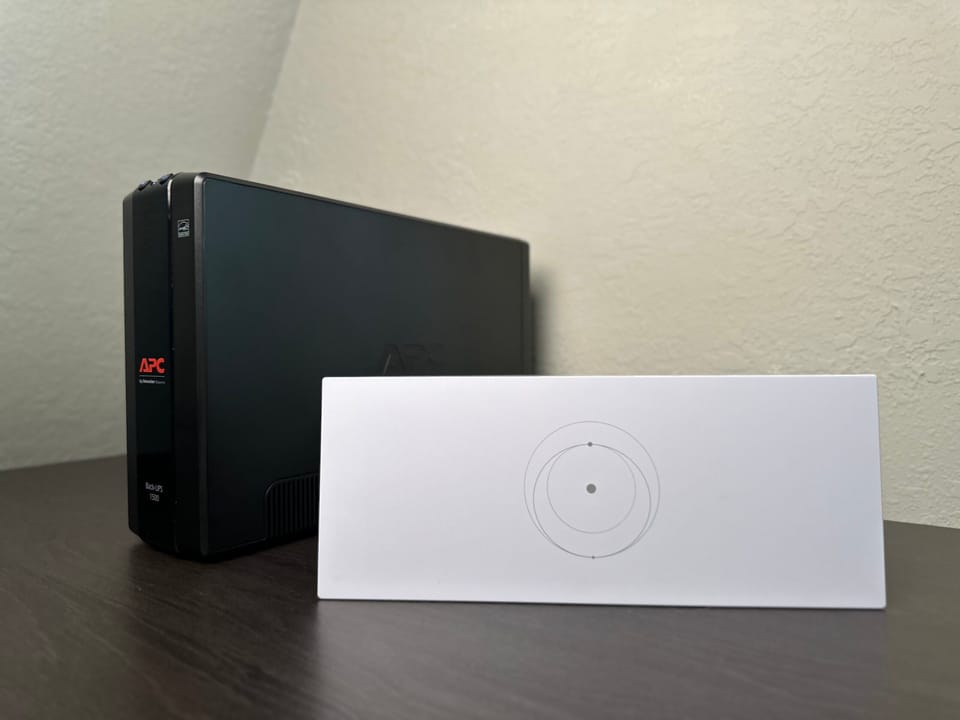
One of the main purposes of a UPS is to prevent devices from unexpectedly shutting down or rebooting due to power outages and fluctuations. When the power goes out, you don't have to lose your internet. If you have Starlink plugged into a UPS, it will continue to run on battery power for several hours, allowing you to stay connected during outages.
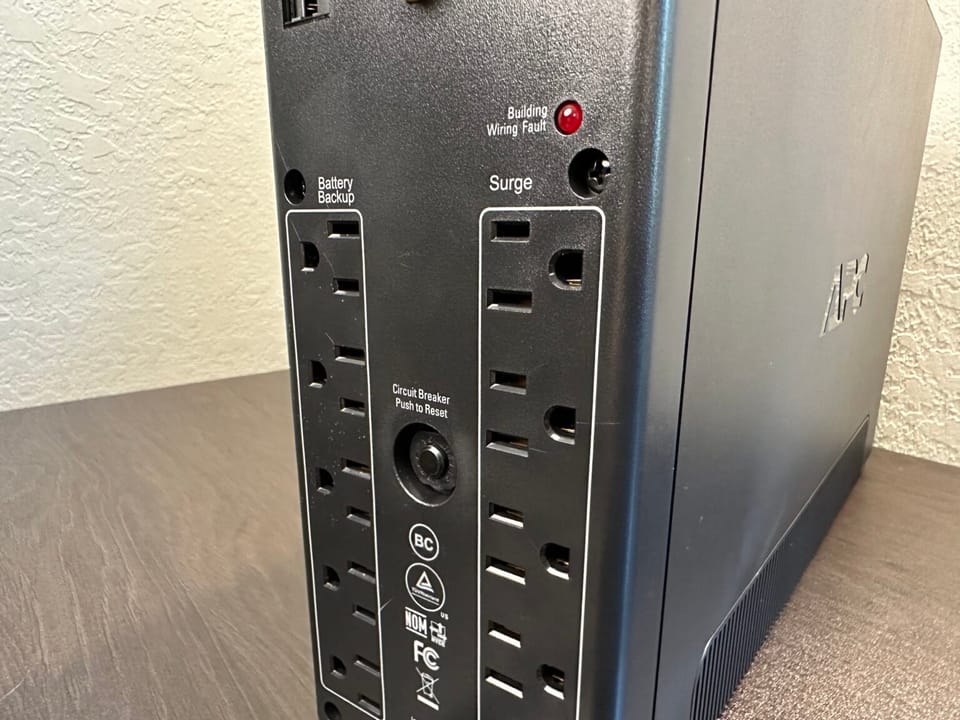
Anything else you have plugged in to the UPS will also continue to run during a power outage. The UPS I use has five outlets that are backed up. One of them is used for my Starlink, but I also plug in my computer and monitor.
If your Starlink loses power, it can take up to 15 minutes to boot back up. If you have a Gen 2 system, power fluctuations can actually factory reset the Starlink router, disconnecting all your devices and leaving your network unsecured. A UPS solves both issues, keeping your system online by switching between AC and battery backup power automatically.
Surge Protection
Sudden power surges can destroy electronic devices. UPS's have surge protection circuits, shielding any devices that are plugged in. There are systems in the UPS that regulate voltage and current. When power fluctuations occur, the UPS helps smooth things out, delivering clean and consistent power to your sensitive devices.
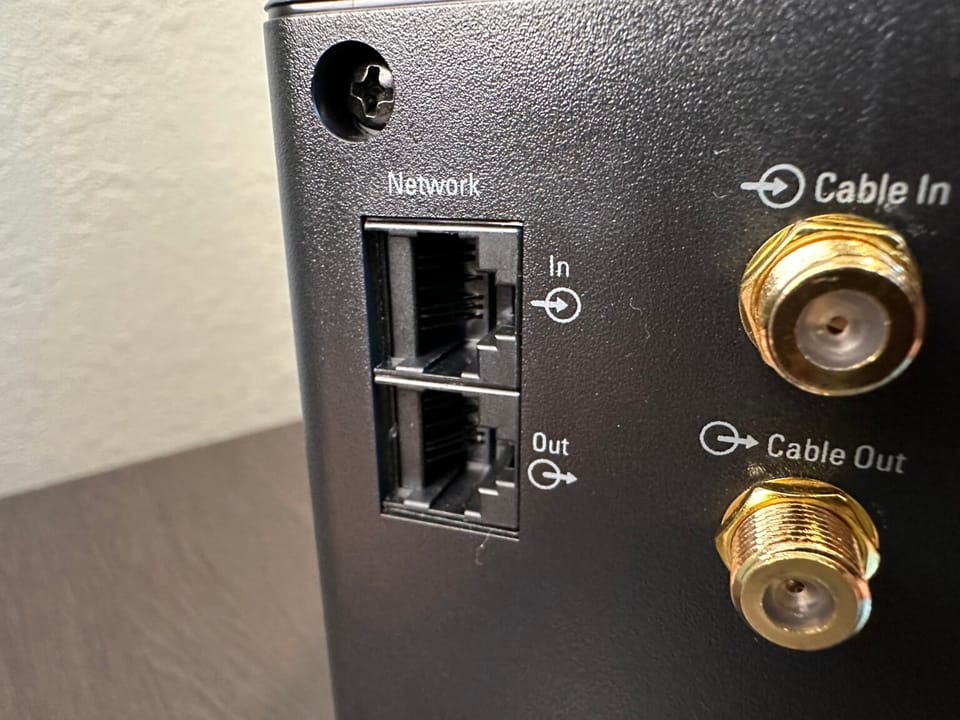
Some UPS's also provide surge protection for your Ethernet network. This is important for Starlink specifically, as most of us mount our Starlink on the roof where it is susceptible to lightning strikes. If lightning does strike the dish, it will travel through the cable and back to the router. Any devices that are plugged into the Ethernet ports on the router, like a network switch or PC, can be damaged from the power surge. By using the Ethernet ports on the UPS you can protect the devices on your network.
Voltage Regulation
If your area has an unstable power grid, a UPS can help regulate the voltage going to your Starlink. The circuits inside take AC mains power and smooth it out, creating a more consistent output for your devices. Combined with the automatic transfer and battery backup functions, this means you'll never have to worry about Starlink shutting down or rebooting unexpectedly due to voltage fluctuations.
Best UPS for Starlink
When I worked as an electronics technician at the hospital, we used APC brand UPS's. There are definitely other good brands out there, but I have the most experience with APC, and can vouch for their features and quality based on my years of experience with them. After all, if I trusted them for critical hospital systems, I trust them for my Starlink.
This post contains affiliate links. I may earn a commission from purchases made through these links, which helps support DISHYtech.
The best UPS I can recommend for most use cases is the APC Back-UPS Pro. I have the 1500VA version in my office. It has enough battery to keep my Starlink online for a few hours during a power outage.
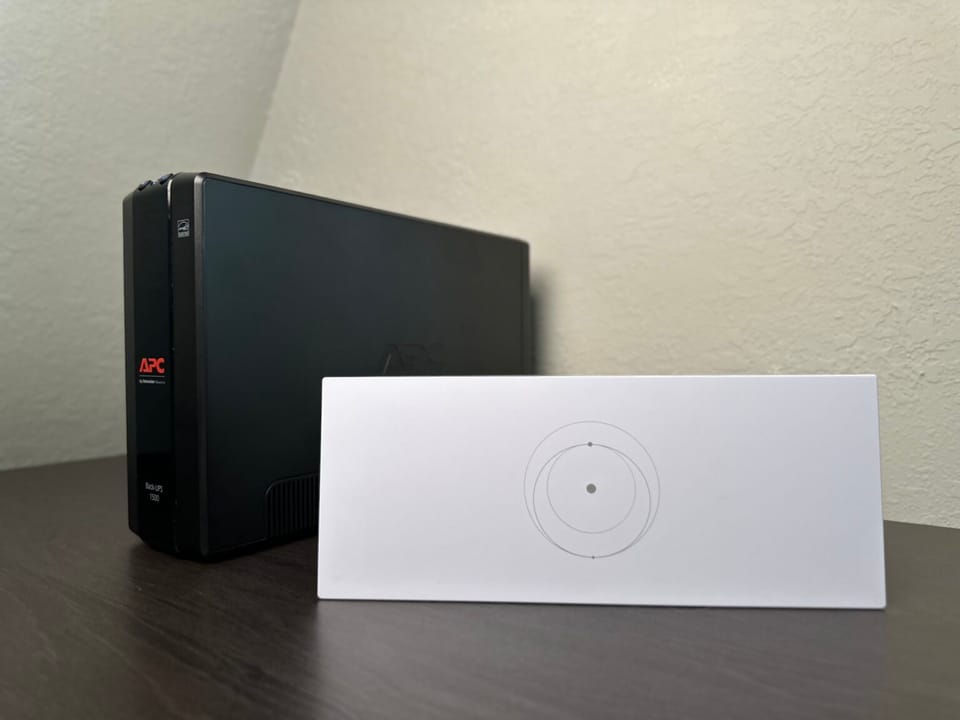
It has ten outlets on the back, five of which are backed up by the battery. All of them are surge protected. The LCD screen and simple user interface make it easy to use. It even shows you how long the battery will last for the load that is plugged in.
Final Thoughts
Should you use a UPS with Starlink? Absolutely. They keep your Starlink system online during power outages. Since Starlink takes a long time to reboot, and can even get reset due to fluctuations, it's important to keep it powered on. UPSs also protect against power surges and voltage fluctuations. I recommend an APC brand UPS like the one I use.
Do you currently use a UPS? Let me know which brand you recommend, and if it's come in handy during a power outage.


Discussion
32 Comments