
New Starlink Gen 3 Dish Launched, With A Few Surprising Changes
The new Starlink Gen 3 dish is here! Learn about all the changes from Gen 2, including a couple of big surprises that no one saw coming!

- Author
- Published
- Community
- 208 comments
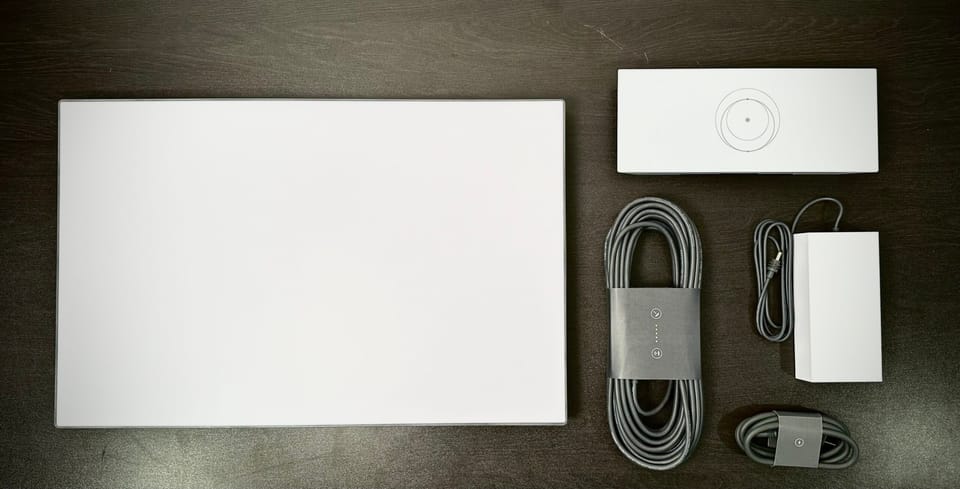
Starlink has launched their next generation hardware, Gen 3. Customers in the US are the first in the world to be able to order the new "Standard" dish.
There are numerous improvements over the Gen 2 hardware, as well as a few unexpected changes to the design of the kit. In this article, I'll explain what is new, what changed, and whether or not Gen 3 will be worth the upgrade over Gen 2 or Gen 1.
Gen 3 returns to standard connectors
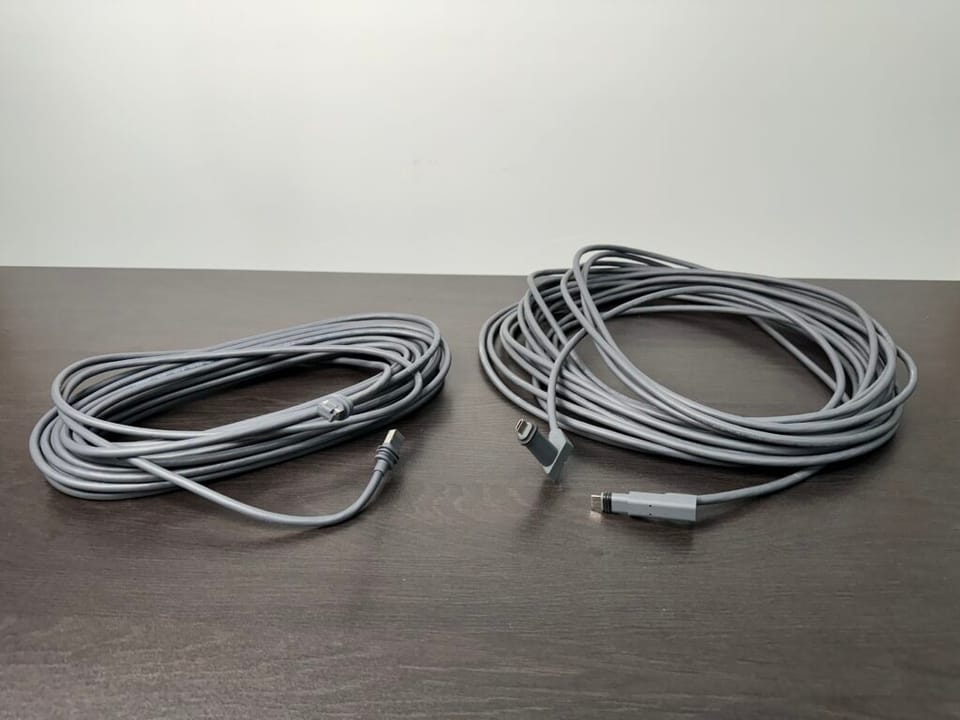
The most welcome change is the return of RJ45 connectors to the Starlink cable, which connects the antenna (installed outside) to the router (installed inside). Previously, Starlink used their own proprietary connectors and cables, which were prone to user error and failures.
The new cable is reversible, meaning you don't have to worry about routing the cable incorrectly. The connectors have seals that help to prevent water from damaging the dish. The Gen 3 kit will come standard with a 50' cable, but a 150' version is available for purchase separately.
Slightly larger, but easier to pack down
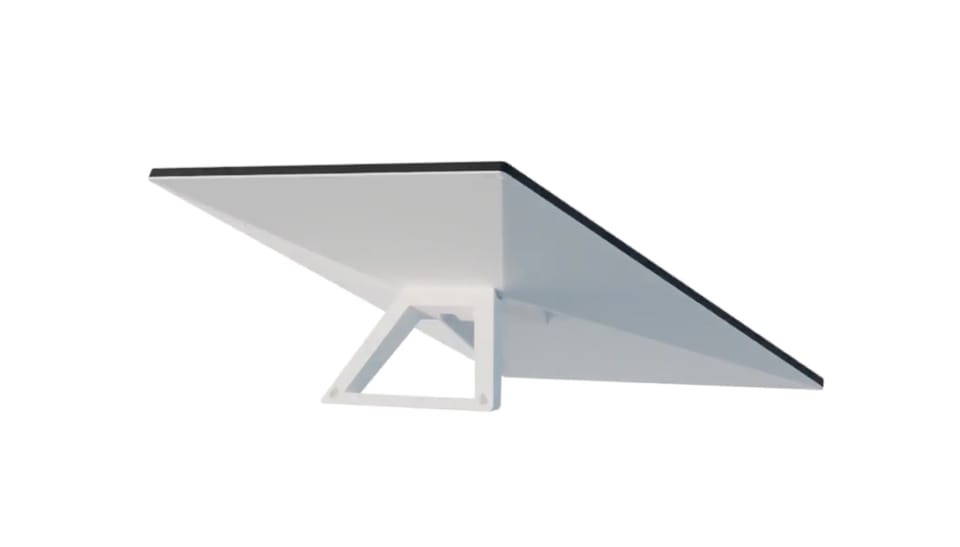
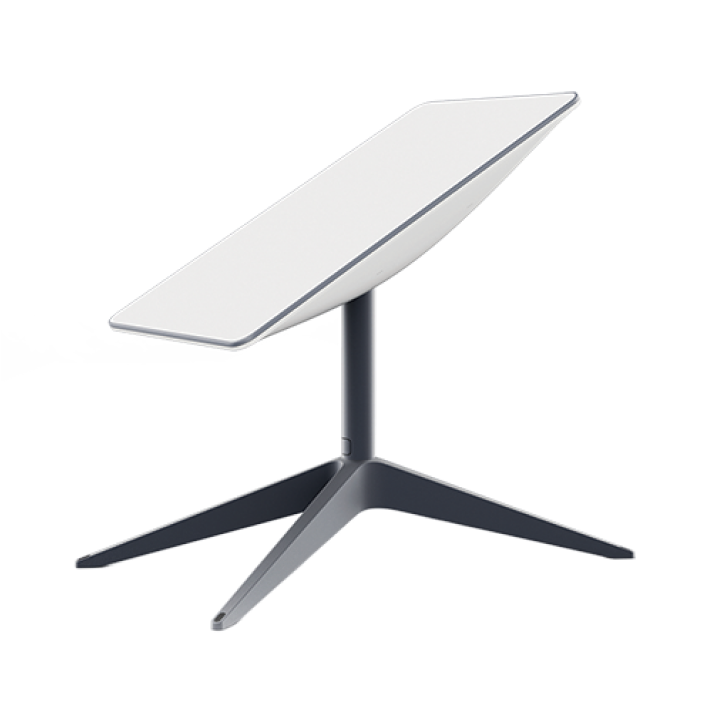
Gen 3 is much easier to pack down, thanks to the elimination of the built-in mast and alignment motors. It comes standard with a kickstand mount, which, when folded, makes the Gen 3 dish just 1.5" thick. The overall surface area of the new dish is a bit larger, with the length of the antenna increasing from 20.2" to 23.4". The width remains the same as the previous generation, at 11.9". Weight remains the same, at about 7 lbs.
Starlink Gen 3 router
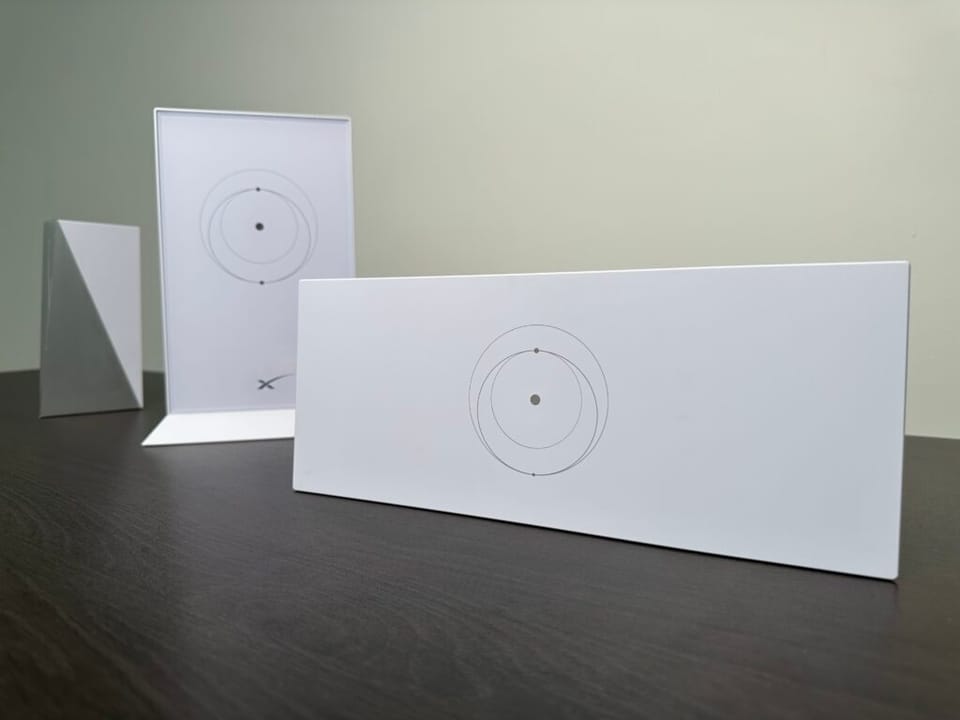
A brand new Wifi router will come with the new Gen 3 hardware kits. I've already tested and reviewed the Gen 3 router, which was originally launched in an invitation-only beta test. Be sure to check out that post for all the details, but here is a quick summary of what is different from the Gen 2 Wifi router:
- Wifi 6, compared to Wifi 5 on Gen 2 routers
- Tri band radio, vs dual band on Gen 2
- 2 LAN Ethernet ports
- Compatible with all Starlink dish models
- Can be used as a mesh node with other Gen 2 or Gen 3 routers
Overall, the new Gen 3 router has much better range and Wifi speed. In my testing, I saw 4x improved Wifi speed. Mesh performance should be improved, thanks to the addition of a tri band radio. The physical reset button and LED status indicator are welcome features that were missing on Gen 2.
Gen 3 requires manual alignment
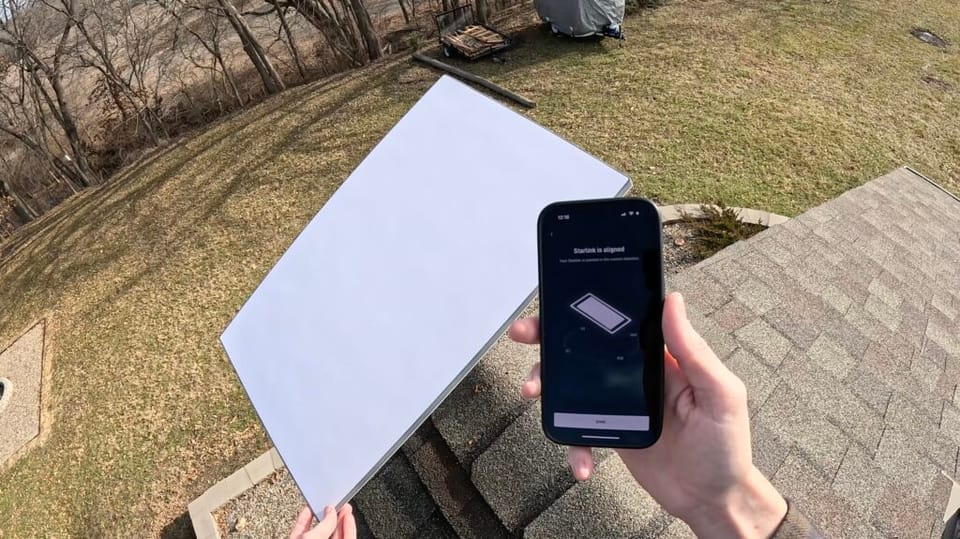
One shocking and unexpected design change for Gen 3 is the elimination of the motors inside the dish. With previous generations of Starlink, the dish could tilt and rotate on its own. The dish would align itself automatically for the best signal.
With Gen 3, manual aiming is now required. There are no motors in the dish, so users will have to rotate the position of the antenna if instructed to do so by the Starlink app during setup. Whether you are using the included kickstand, or one of the mounting accessories, the Gen 3 dish is intended to be at a 20 degree angle. Users will just have to rotate the dish horizontally to point in the direction that gives the best signal.
The Starlink app was updated to include a new alignment tool, so users can check to make sure their dish is pointing the right way. A message will pop up in the app if adjustments are necessary.
The power supply is now separate
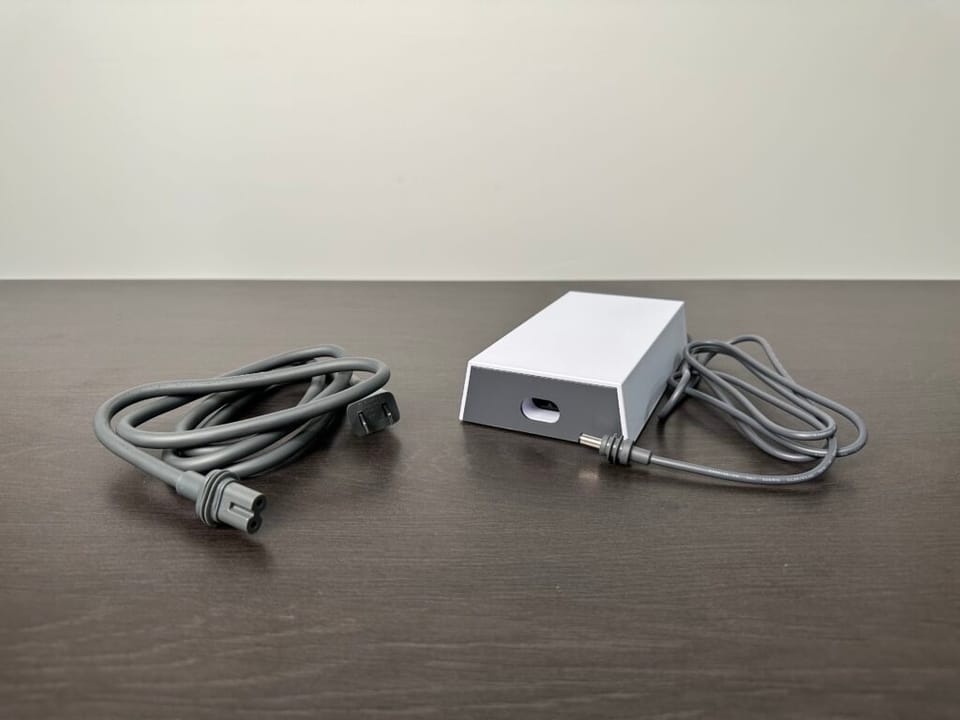
Gen 3 uses a separate power supply brick, similar to the Gen 2 High Performance dish and the original Gen 1 dish. The Starlink cable will connect the dish to the router. Another cable connects the router to the power supply. The power supply plugs into an AC outlet.
Power consumption goes up for Gen 3. The Standard hardware uses 75-100 watts, compared to 50-75 watts for Gen 2 Standard. At this time, Starlink still isn't offering a DC power supply. This Gen 3 Standard model is intended for residential users anyway. A Gen 3 "mini" is also expected to be released soon, and could offer DC power options for portable use.
Simplified mounting options
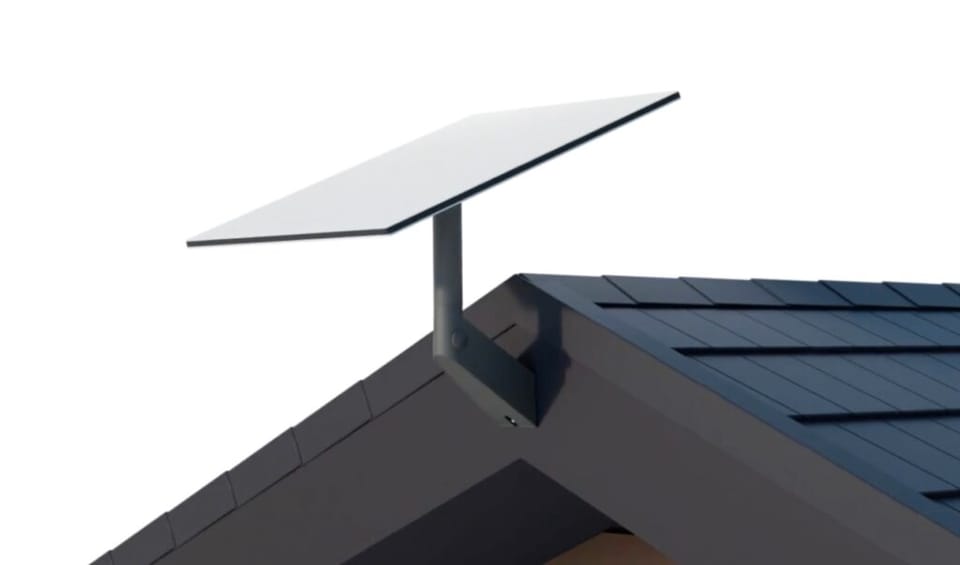
The mounting accessories for Gen 3 are simplified a bit, with just a few options to choose from. Like I mentioned earlier, a kickstand mount is included with every kit. The kickstand can be used as a portable mount, but also for permanent mounting on a flat surface.
Users will have two roof mounts to choose from for Gen 3. The Starlink Pivot Mount is ideal for roof installs, with its adjustable base that can account for any roof pitch. The Starlink Standard Wall Mount is the other roof mount, designed to attach to an exterior wall or eave.
The final mounting option is the Starlink Pipe Adapter. The Pipe Adapter allows you to use existing mounts or poles, from 1.25" to 2.5" in diameter. If the limited mounting options from Starlink won't work for you, the Pipe Adapter is your key to using aftermarket mounts.
Starlink Gen 3 price and availability
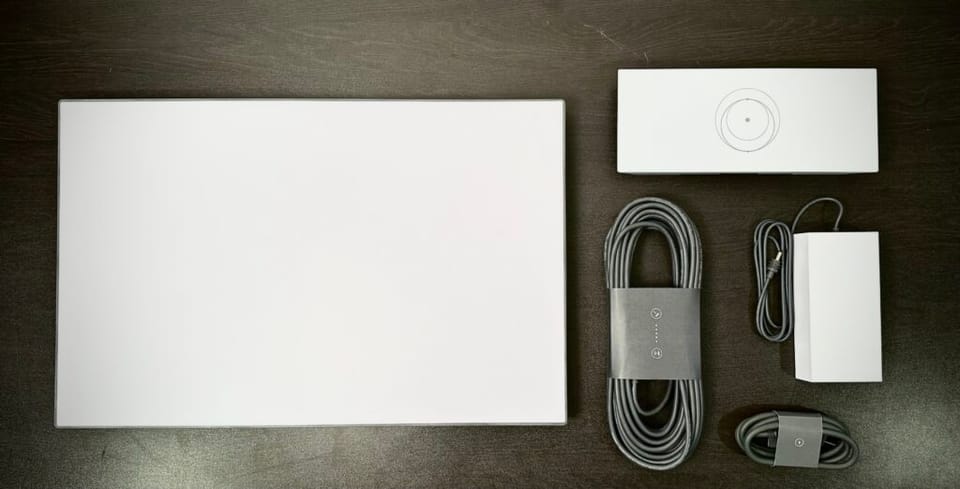
The price of the Starlink Gen 3 Standard kit is $349, unchanged from the previous generation hardware. At this time, the Starlink service plans remain unchanged, so that means no cost increases associated with the next generation equipment.
Currently, Gen 3 is only available in the US. According to Starlink, the rollout of Gen 3 to other markets will be gradual. Subscribe to our newsletter to stay up-to-date on the latest Gen 3 news.
Gen 3 speed and performance
I don't expect there to be any significant difference in terms of internet speed or performance for Gen 3. The number of Starlink users in your area and your service plan are the two biggest factors that determine speed. However, the Wifi speed and range is improved over Gen 1 and Gen 2. I saw about 4 times faster speed in my testing of the Gen 3 router. Wifi 6 technology in the Gen 3 kit allows much faster Wifi speed, and better Wifi coverage.
The Gen 3 dish has some other hardware upgrades that will affect overall performance and reliability. It will handle snow and rain a bit better thanks to a beefier power supply. It has a higher 110 degree field of view (vs 100 degrees for Gen 2) to deal with obstructions more efficiently.
Is it worth upgrading from Gen 1 or Gen 2?
In my opinion, Gen 3 isn't worth paying for if you have a Gen 1 or Gen 2 system that is in good condition. Not only will you have to buy a new mount, you'll also have to run the cable again if you upgrade. And like I mentioned in the last section, don't expect faster internet speed. The best part of the Gen 3 kit, the router, is also compatible with the Gen 1 and Gen 2 hardware. So if you are considering an upgrade, just buy the Gen 3 router for your current system.
Related: Starlink Mini vs Standard comparison. Which hardware option is right for you?

Discussion
208 Comments